Bookique documentation
Bookique documentation
Everything you need to run bookings in your Shopify store with Bookique – from the first service to events with tickets. Each guide follows the screens of the app step by step.
Getting started
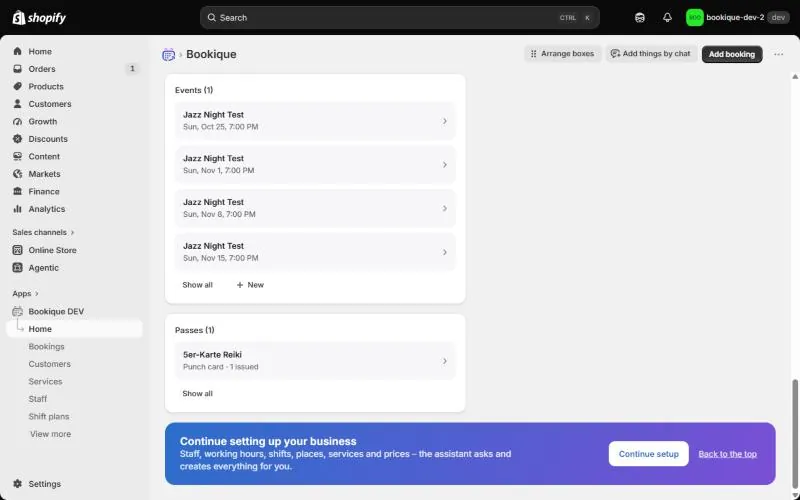
Getting started
Install Bookique, follow the setup checklist and find your way around the home page.
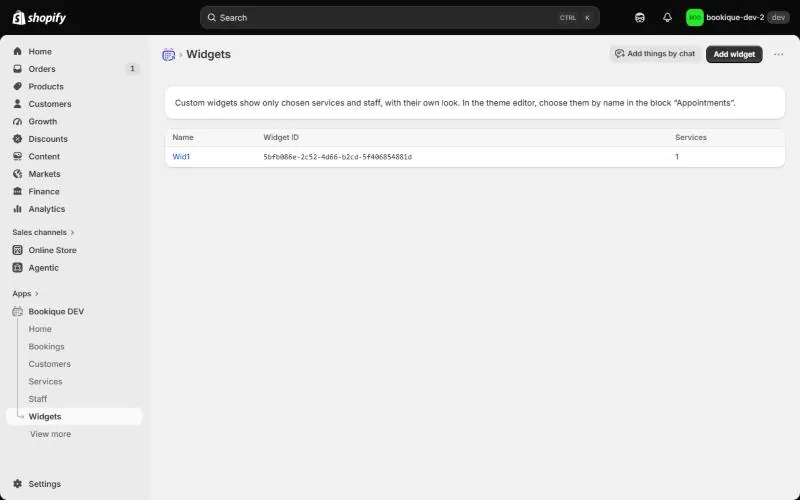
Booking widget in your theme
Add the booking calendar, booking buttons and event blocks to your Shopify theme and style them.
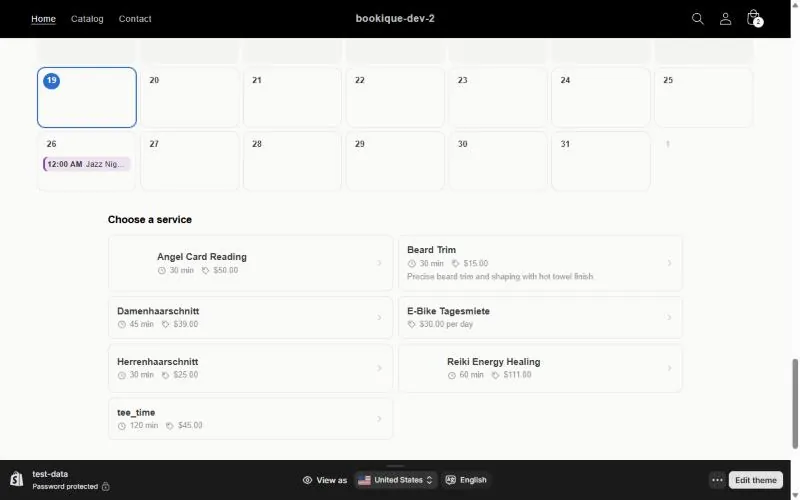
How customers book
The booking flow in the store: service, date, time, form, payment and confirmation.
Appointments & classes
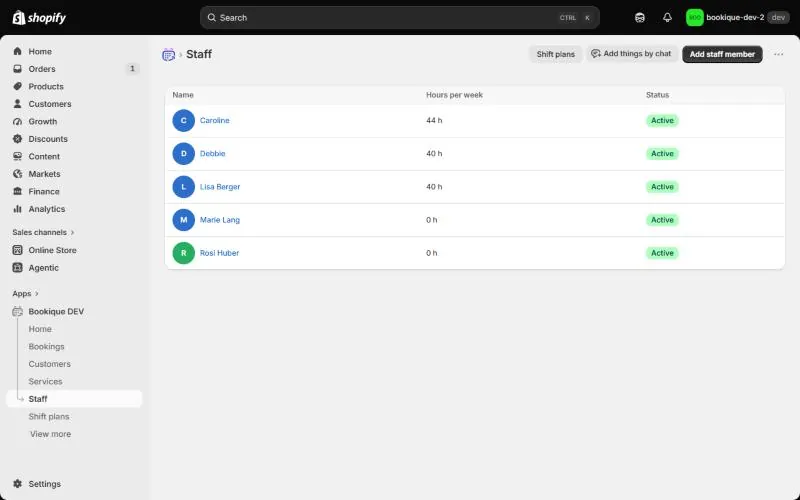
Staff and working hours
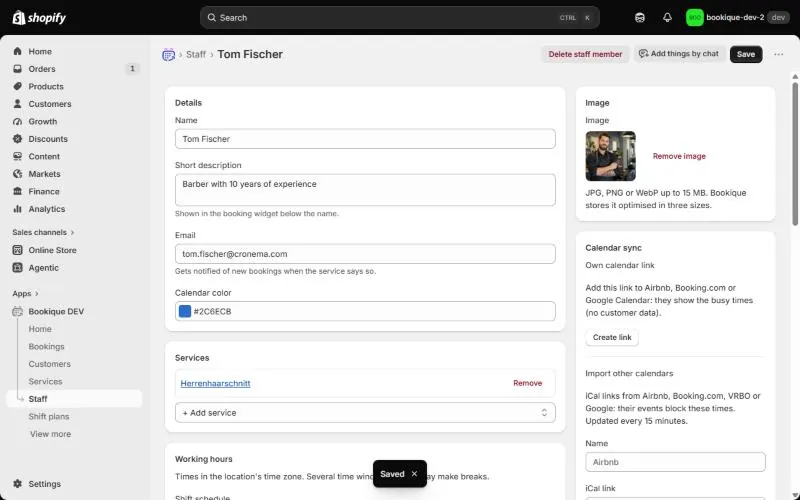
Add the people customers book, with picture, working hours, time off, services and own prices.
Services
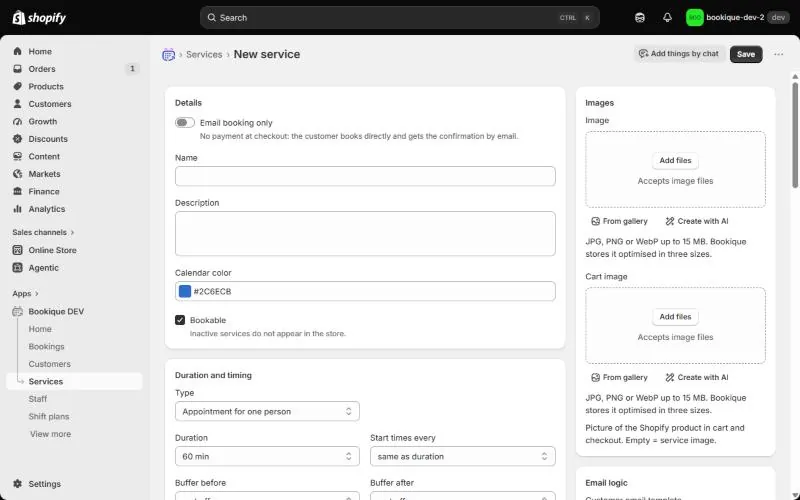
Create bookable services with duration, buffers, lead time, payment, reminders and staff.
Classes and group slots
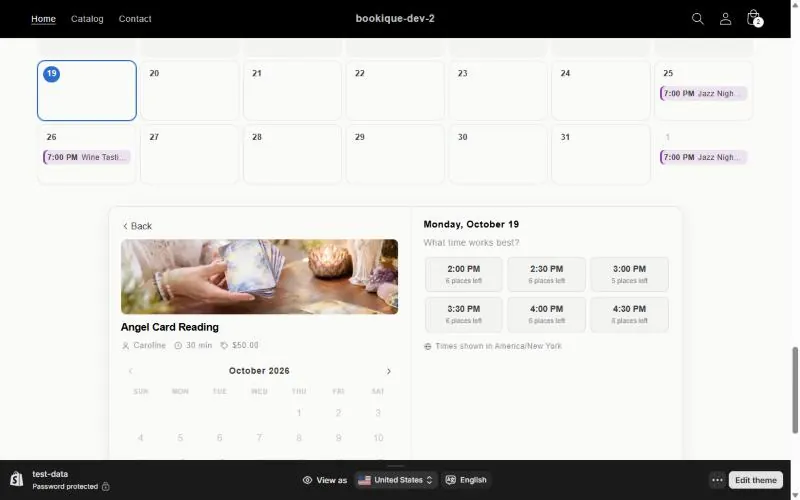
Offer courses, tours or tee times with several places per time slot.
Rentals & stays
Events & tickets
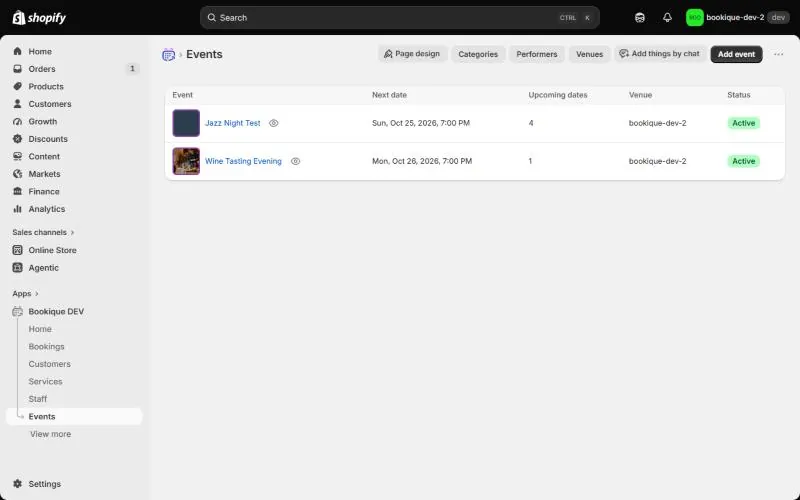
Events and tickets
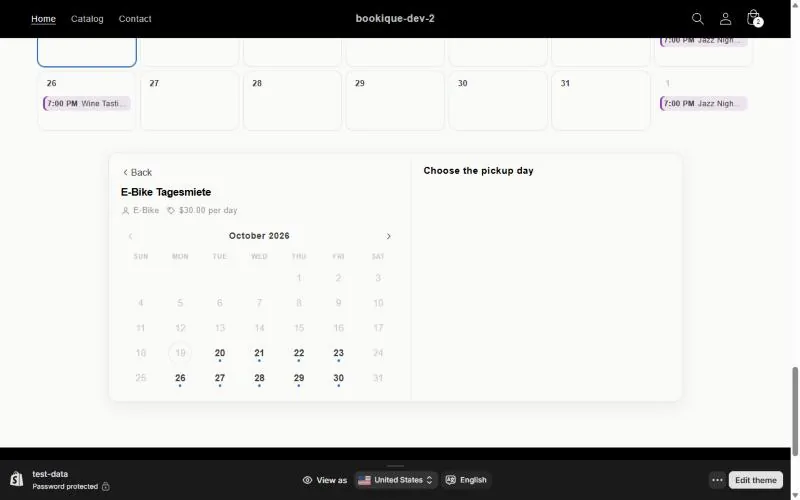
Create events with dates, repeats, places, several ticket types, timetable, performers and SEO.
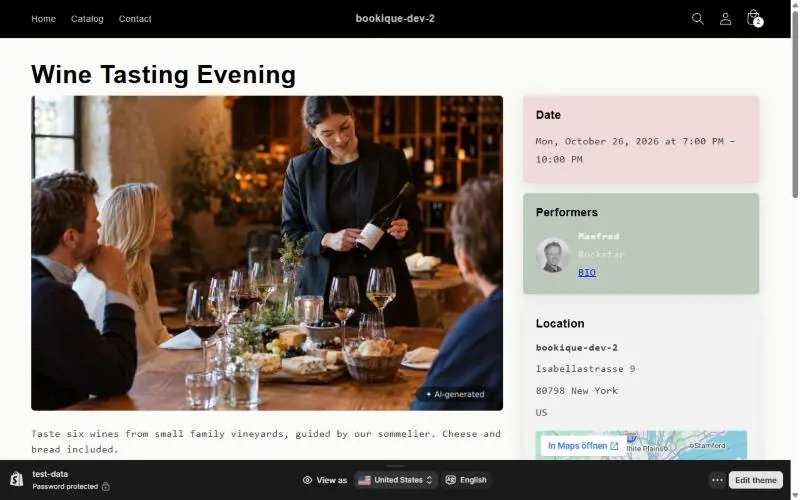
Event pages and page design
Landing pages for events, performers and venues in your store, and how to design them.
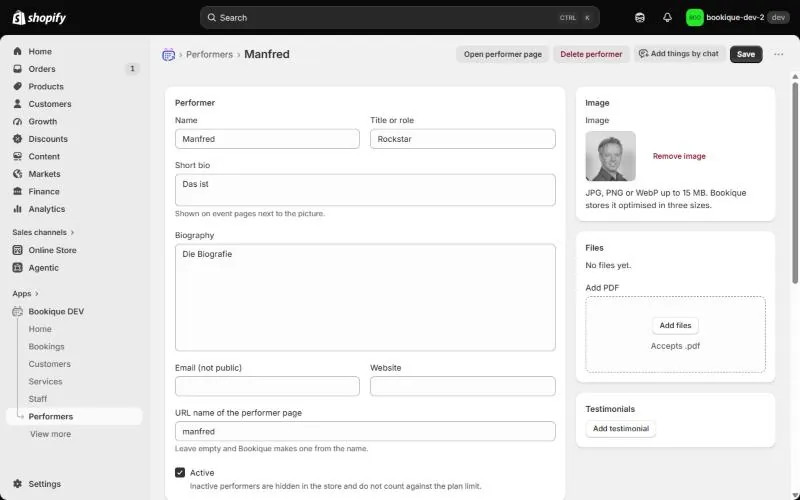
Performers and venues
Profiles of performers and venues with pictures, bios, maps and their own pages.
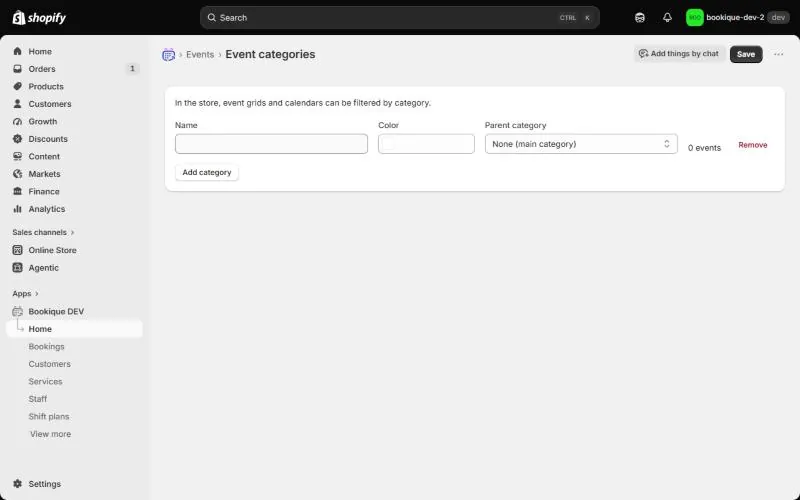
Event categories
Group events into categories so the event grid and calendar can be filtered.
Bookings & customers
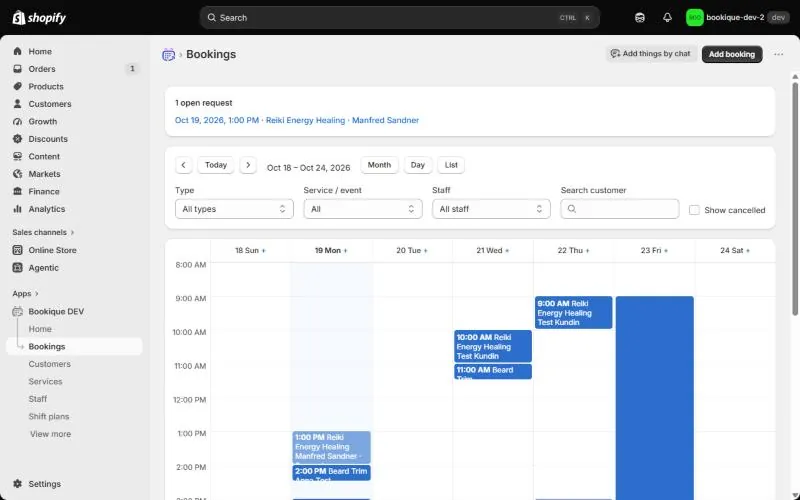
Managing bookings
Calendar and list of all bookings; create, move, cancel and complete bookings in the admin.
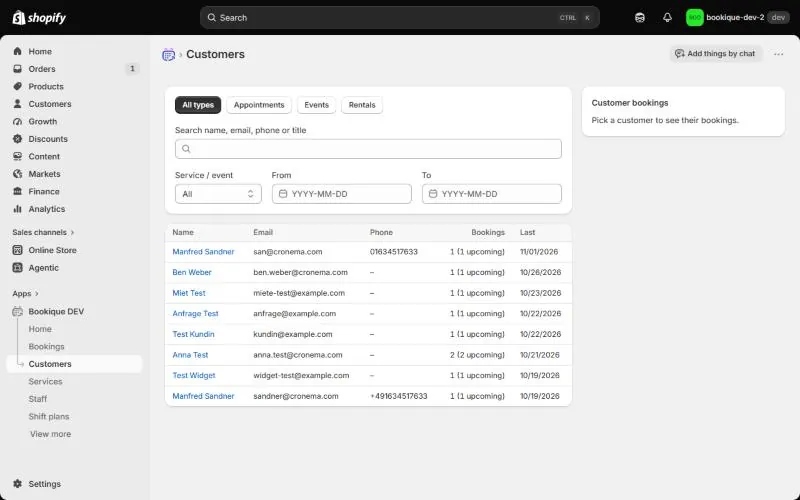
Customers
All customers with their bookings, statistics, email history and direct messages.
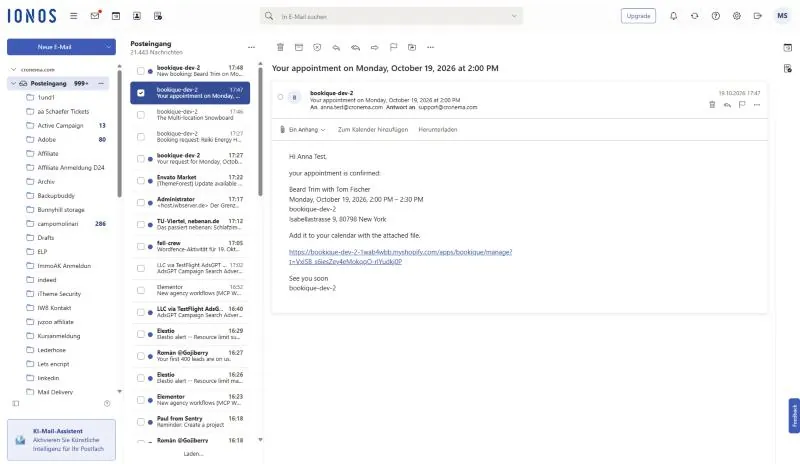
Emails, templates and SMTP
Confirmations, reminders and follow-ups; edit templates, see the history and send from your own address.
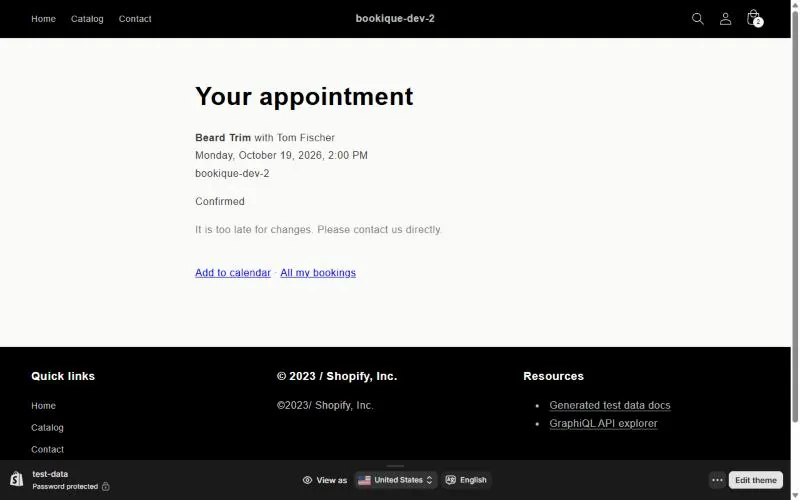
Customer portal
Customers see their bookings, add them to their calendar and cancel or move them themselves.
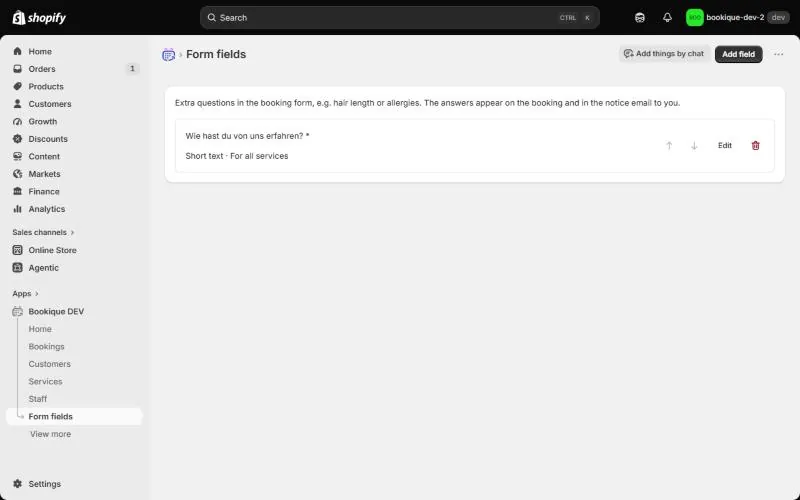
Custom form fields
Ask your own questions in the booking form, per service or event.
More features
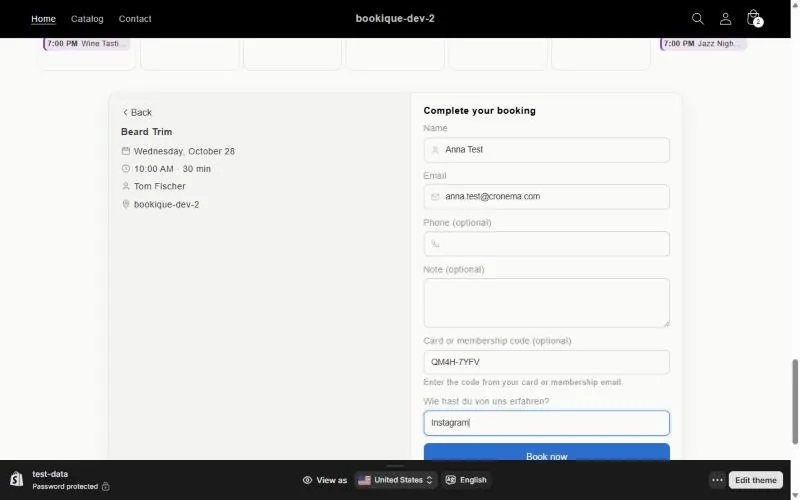
Passes and memberships
Sell punch cards and memberships; customers redeem them with a code when booking.
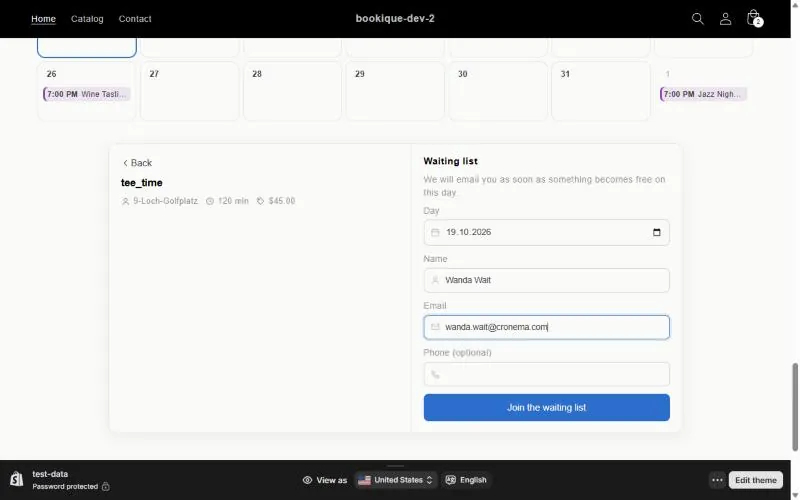
Waiting list
Customers sign up when everything is booked and get an email as soon as a place is free.
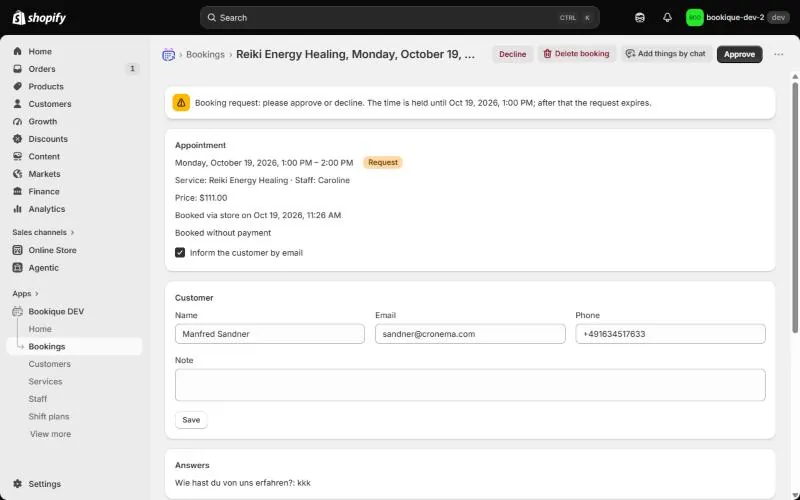
Booking requests with approval
Check each booking first; after approval the customer gets a payment link.
Shift plans
Early and late shifts with teams that take turns, up to four weeks in rotation.
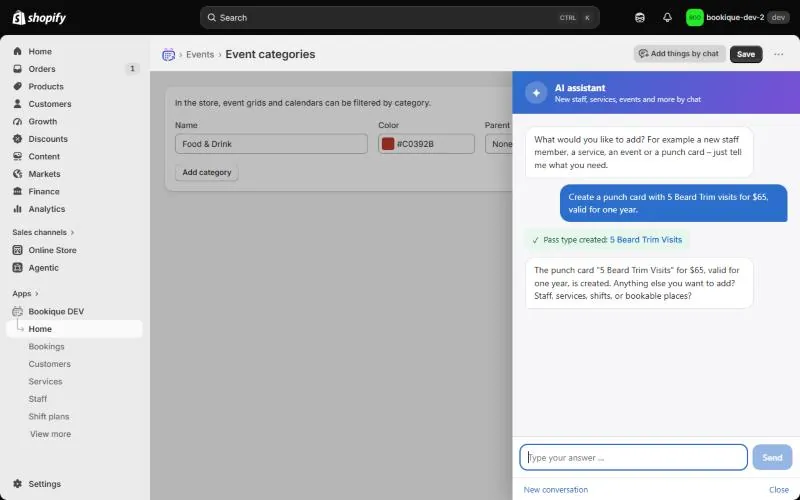
AI assistant and AI pictures
Add staff, services, events, shift plans and passes by chat and create matching pictures.
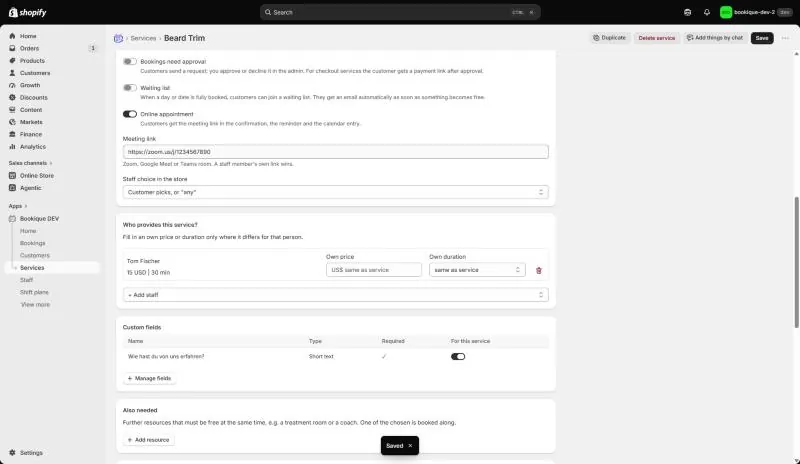
Online meetings
Online appointments with a Zoom, Google Meet or Teams link in every email.
Account & settings
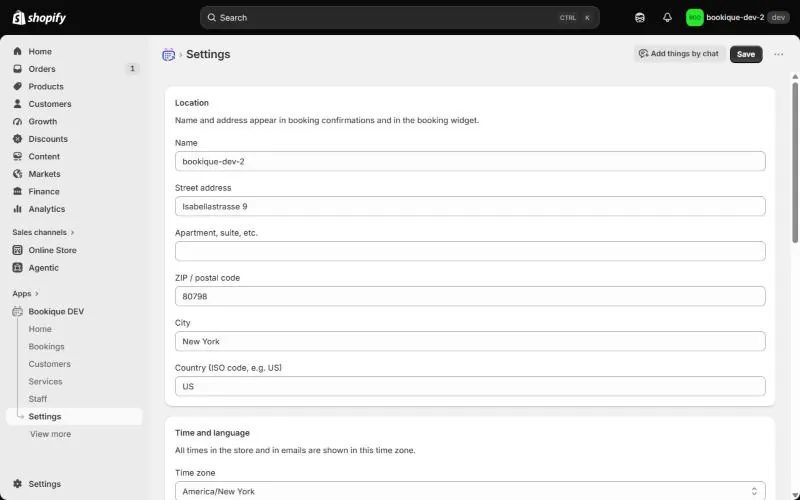
Location, time zone and language
Set the address, time zone, time format, customer language, cancellation rules and closed days.
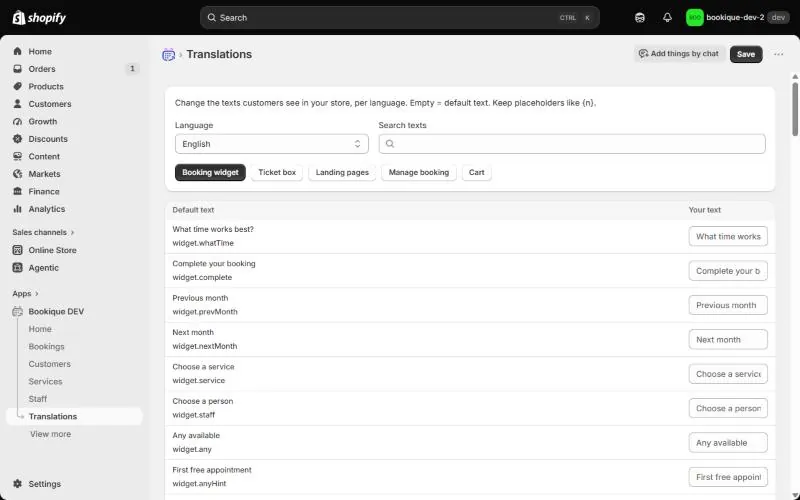
Languages and translations
Bookique speaks 18 languages; change any text customers see.
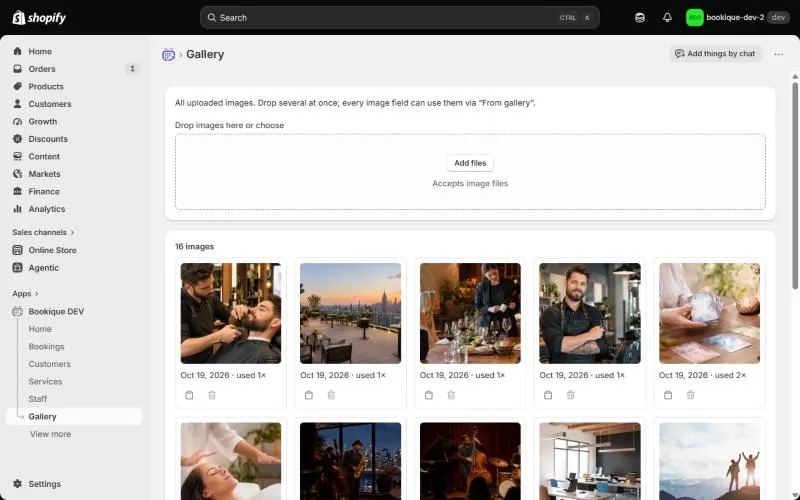
Gallery
All uploaded images in one place, reusable in every image field.
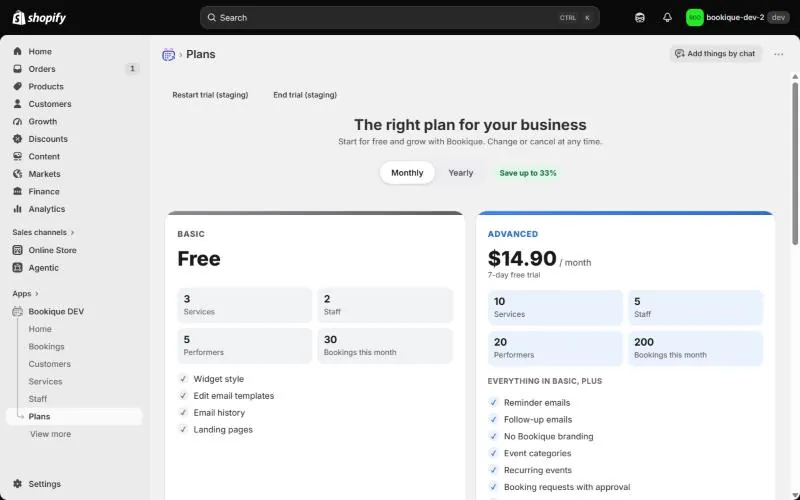
Plans and billing
Compare plans, start the free trial, change plans and see your usage.
Need help?
Write to support@cronema.com – we answer in English and German.