Event pages and page design
Landing pages for events, performers and venues in your store, and how to design them.
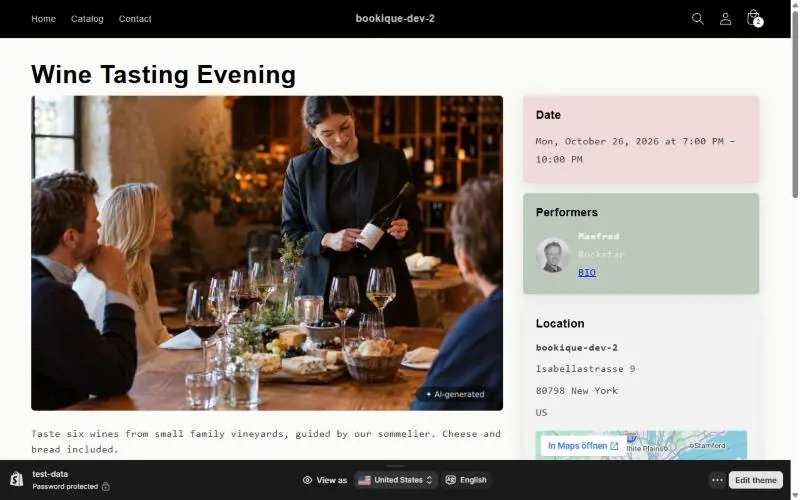
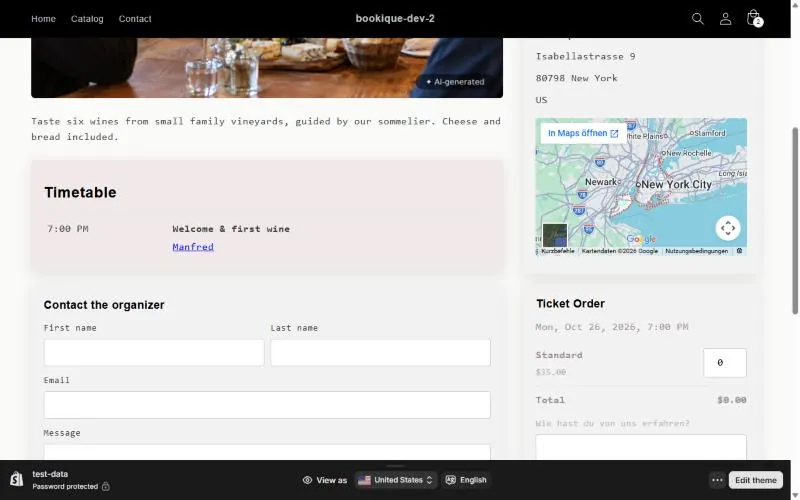
Bookique creates a page in your store for every event, performer and venue. The event page shows picture, date, performers, location with map, timetable and the ticket box. Open event page on the event takes you there.
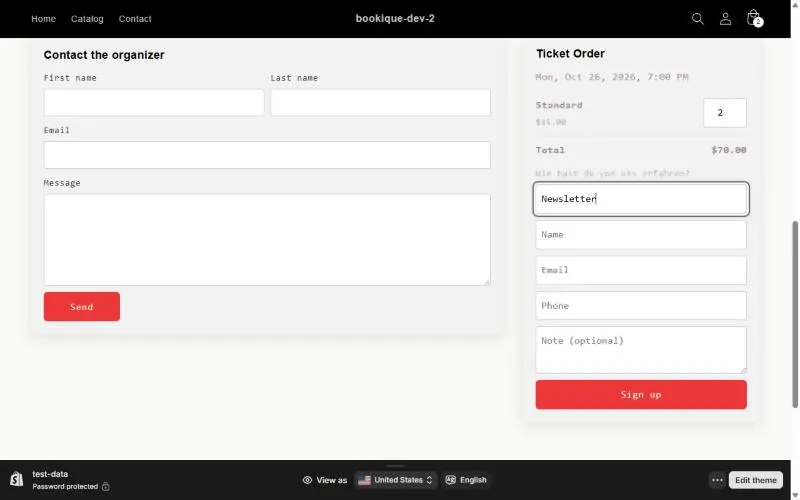
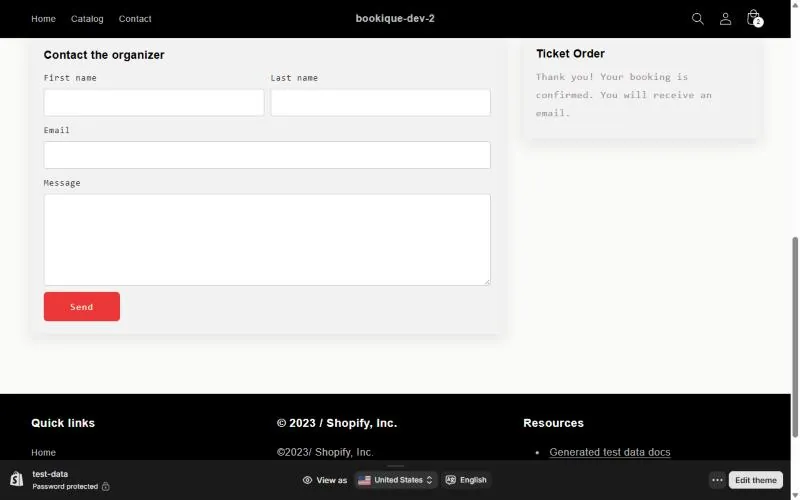
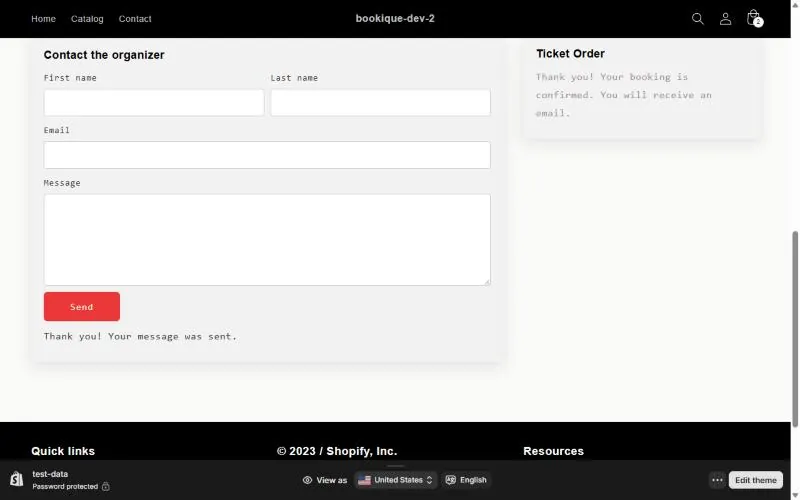
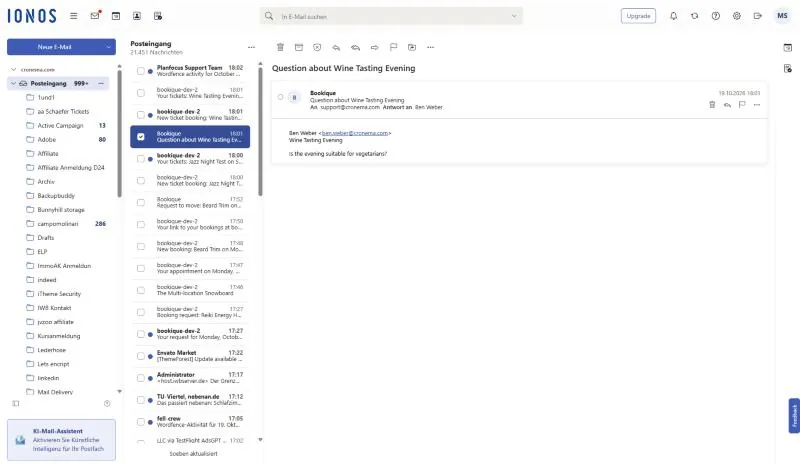
With the contact form switched on, visitors can send the organizer a question; it arrives by email.
Landing page design
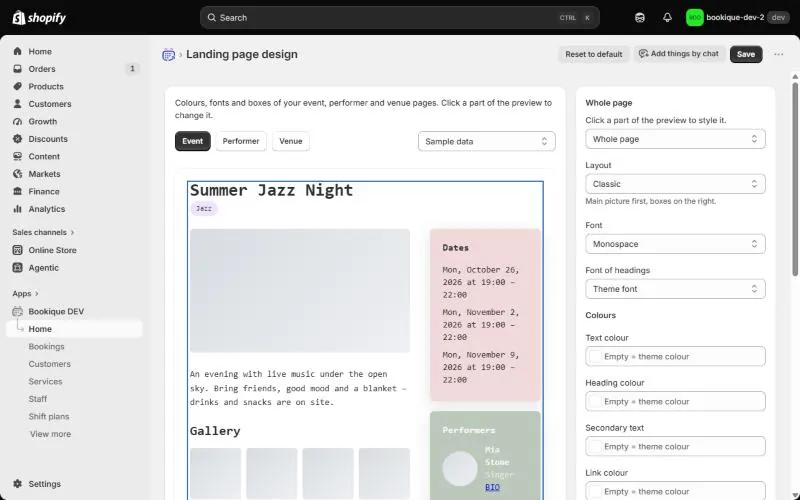
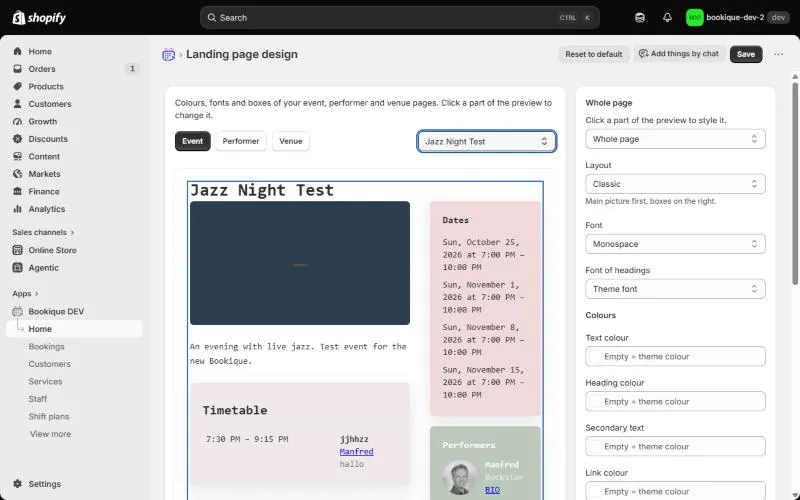
Open Landing page design to set colours, fonts and boxes of all event, performer and venue pages. Click a part of the preview to change it: fonts, text and heading colour, links, box background, border, corner radius, shadow and buttons. Choose a layout such as classic, story or stage.
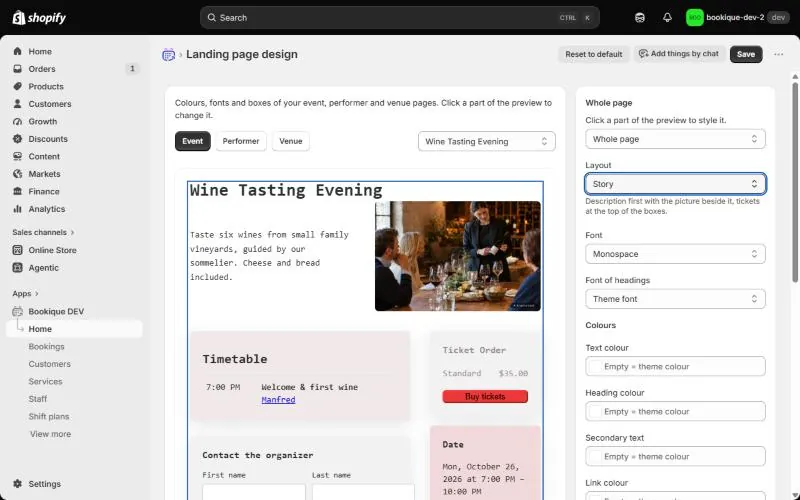
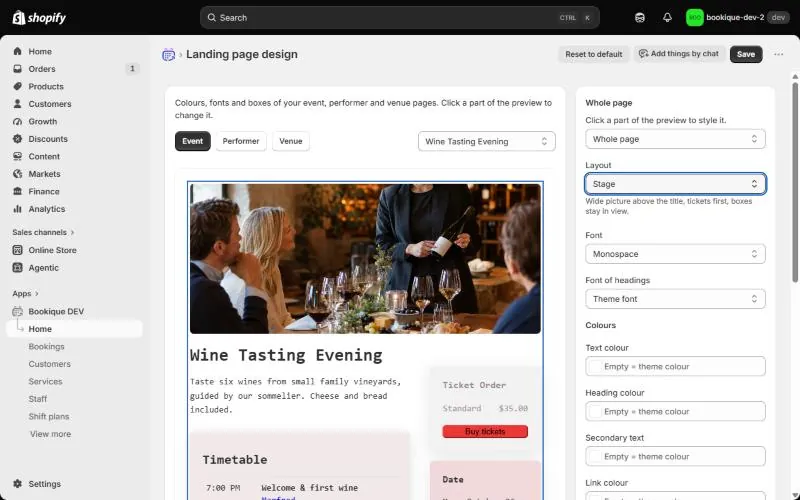
Screenshots show the app in English.
Need help?
Write to support@cronema.com – we answer in English and German.