Booking requests with approval
Check each booking first; after approval the customer gets a payment link.
Switch on Bookings need approval on the service. Customers then send a request instead of booking directly, and the time is held for the number of hours you set under Hold the time for (hours).
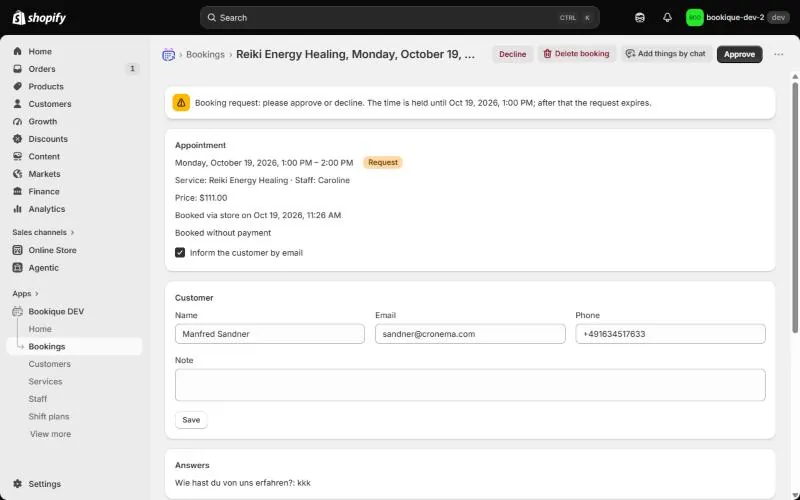
- 1You get an email and see the request on the home page and in Bookings.
- 2Open it and click Approve or Decline.
- 3For checkout services the customer gets a payment link after approval; the time stays held as long again until payment.
- 4Requests you do not answer in time expire, and the customer is informed.
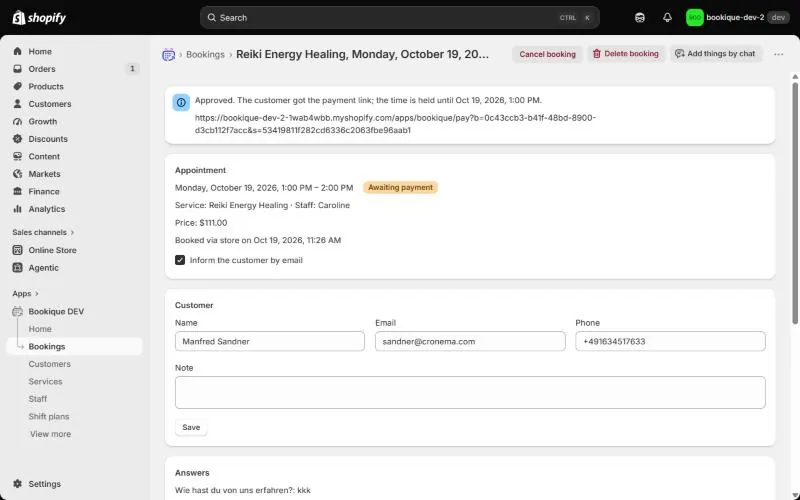
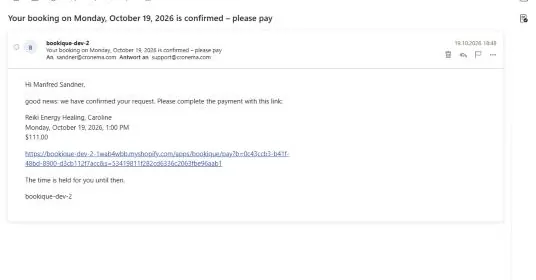
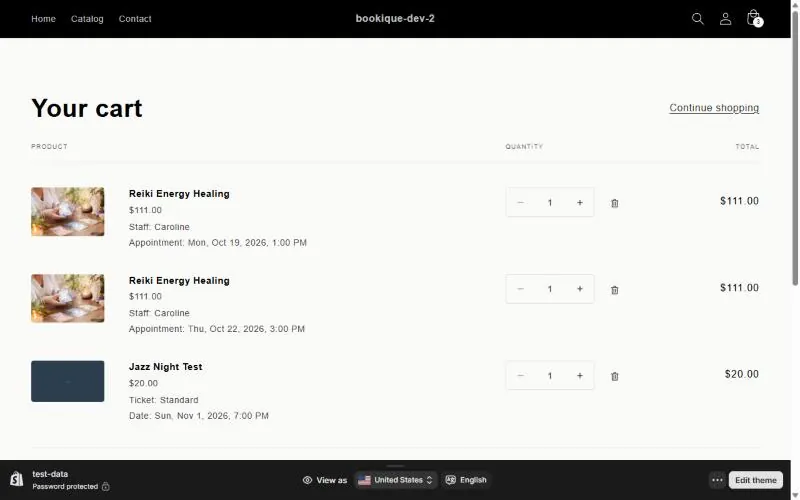
Screenshots show the app in English.
Need help?
Write to support@cronema.com – we answer in English and German.