Customer portal
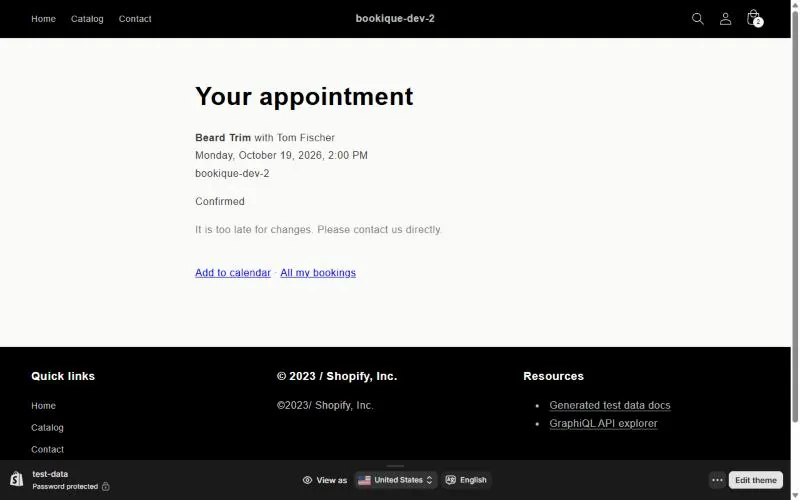
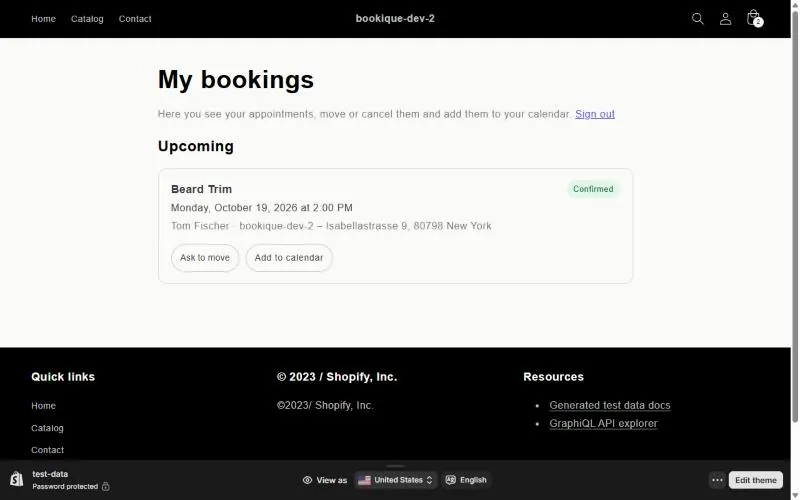
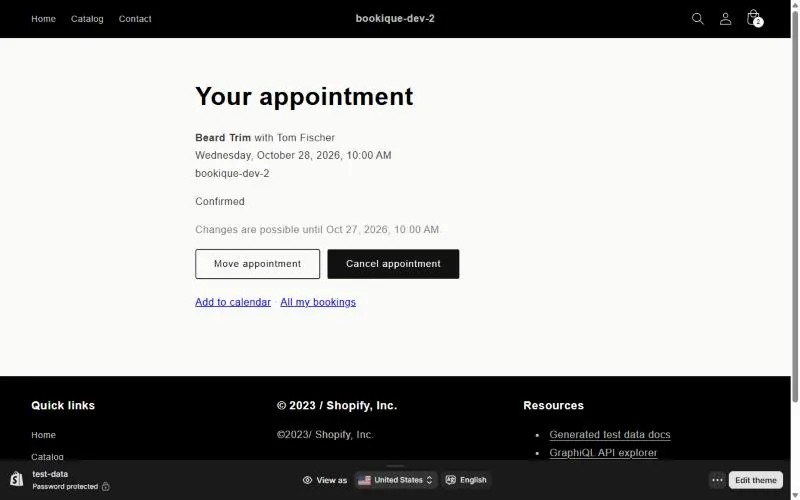
Customers see their bookings, add them to their calendar and cancel or move them themselves.
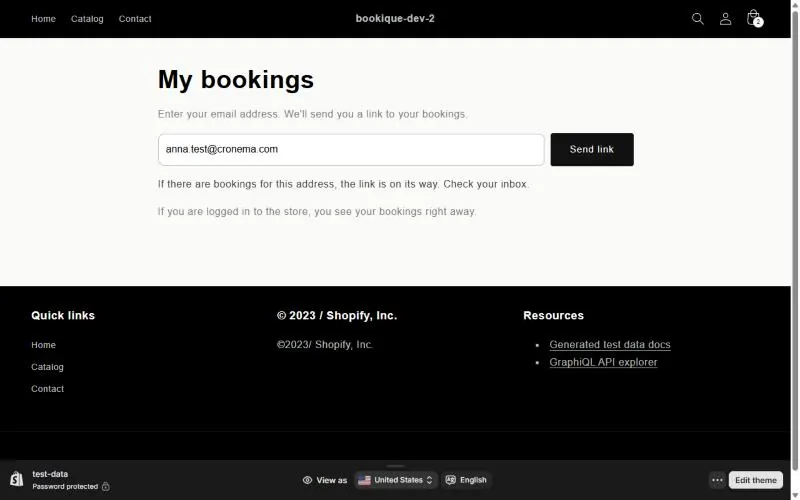
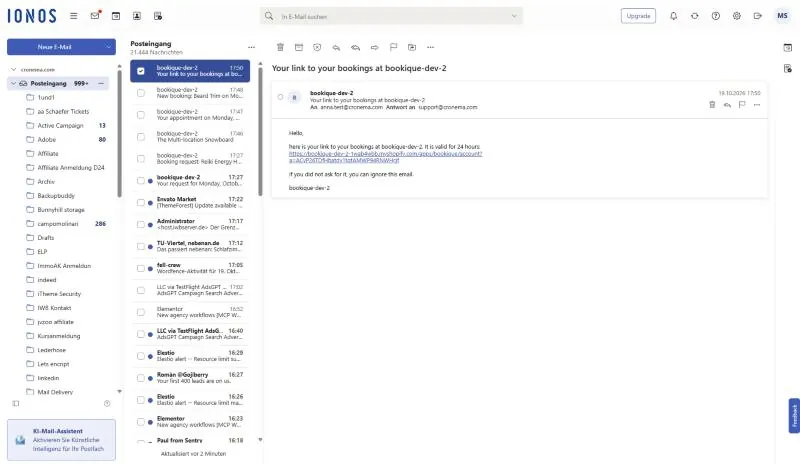
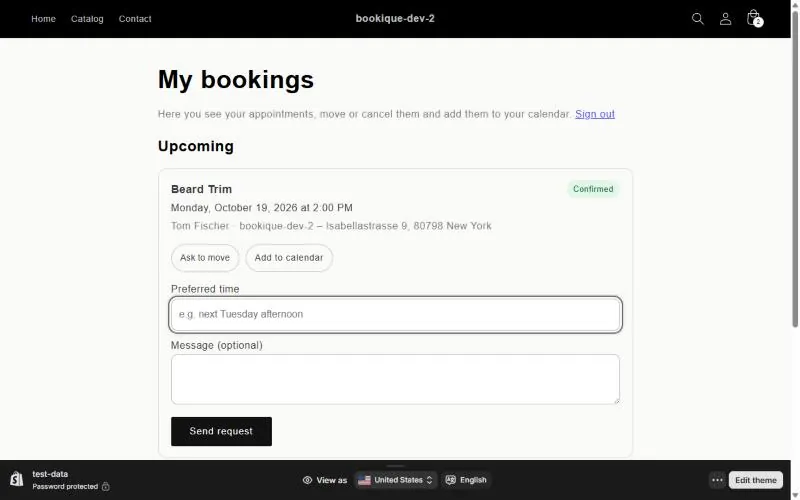
Every booking email contains a link to manage the booking. Customers can also sign in with their email address: they get a login link and see all their bookings – without a password.
Move or cancel
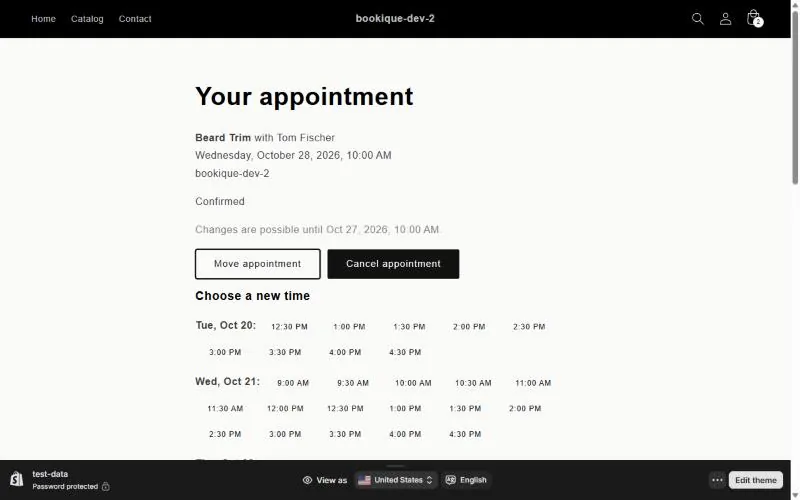
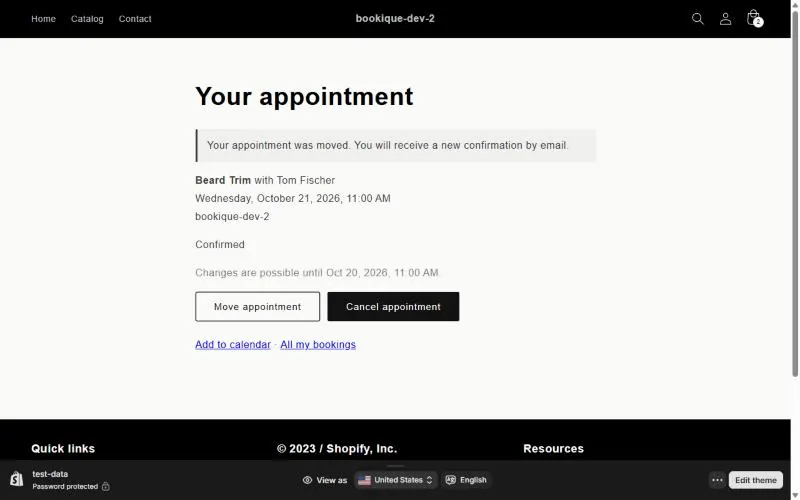
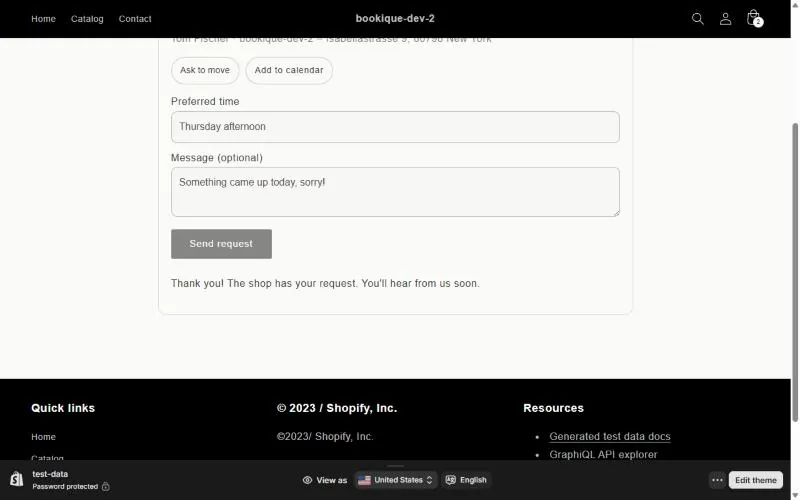
Depending on your settings, customers move the appointment to another free time themselves or send a request to move it. Cancelling works the same way. Changes are possible up to the number of hours you set under Settings → Changes by customers; you get an email for every change.
Screenshots show the app in English.
Need help?
Write to support@cronema.com – we answer in English and German.