Rentals and holiday flats
Rent items, rooms or flats by the hour, day or night with stock, pickup and return times.
Rentals need two things: a rental item with stock and opening times, and a service of the type Rental by the hour or Rental by the day.
Add a rental item
- 1Open Rental items and click Add rental item.
- 2Enter name, short description and Stock (units) – this many units can be rented at the same time.
- 3Under Pickup and return times set when pickup and return are possible. Closed days may lie inside a rental.
- 4Under Not available block times for maintenance or repair.
Add the rental service
- Choose Rental by the hour or Rental by the day and set the price per hour or day.
- Set Min. hours/days and Max. hours/days.
- For daily rentals choose Pickup on the first day and Return on the last day, or different times per weekday.
- Price per night (check-in/check-out) works like holiday flats: the departure day is free for the next guest.
- With Maximum persons, Persons included in the price and a surcharge per extra person you price stays by guests.
- Under Which items are rented? choose the rental items.
How customers book
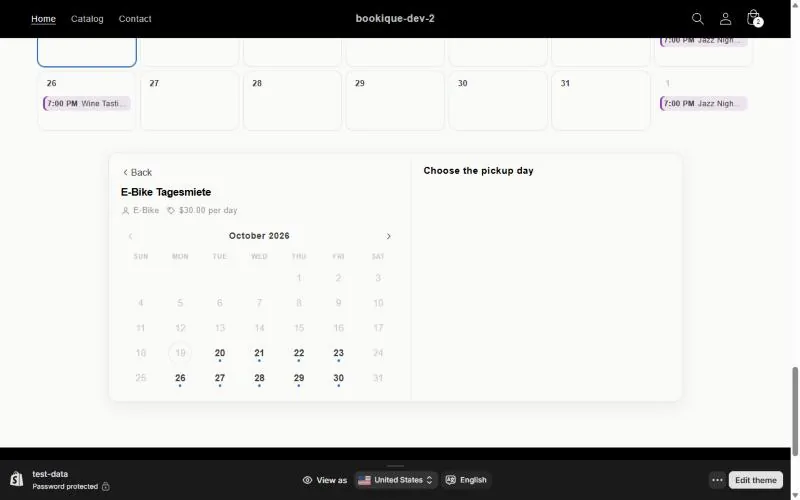
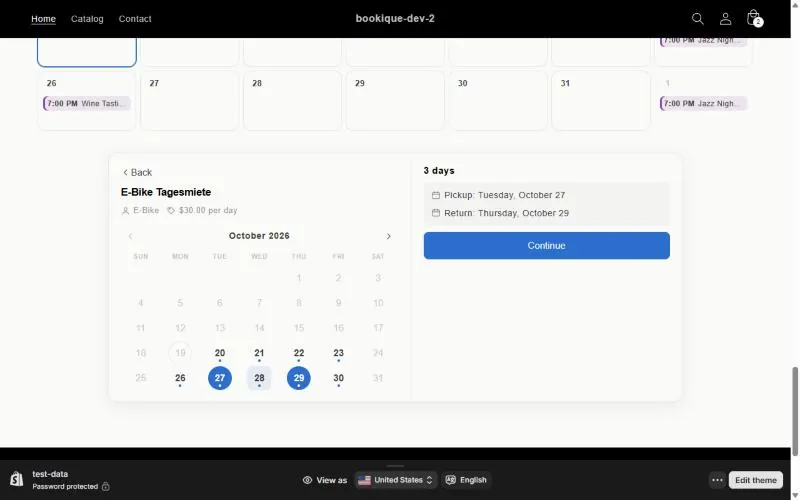
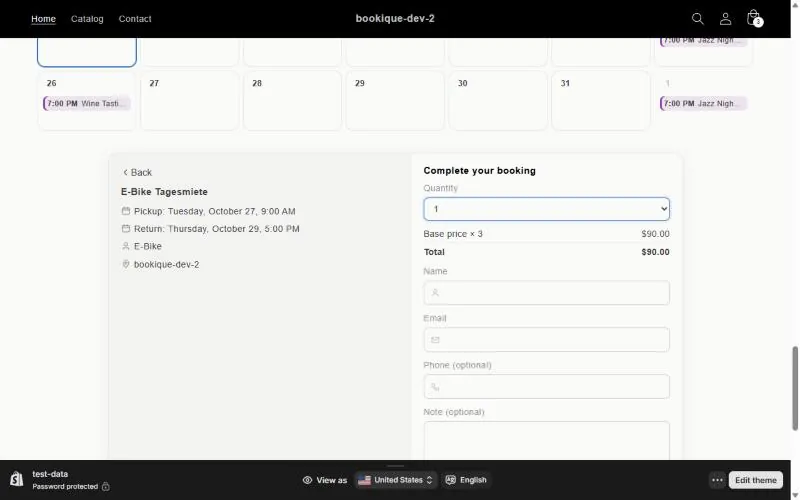
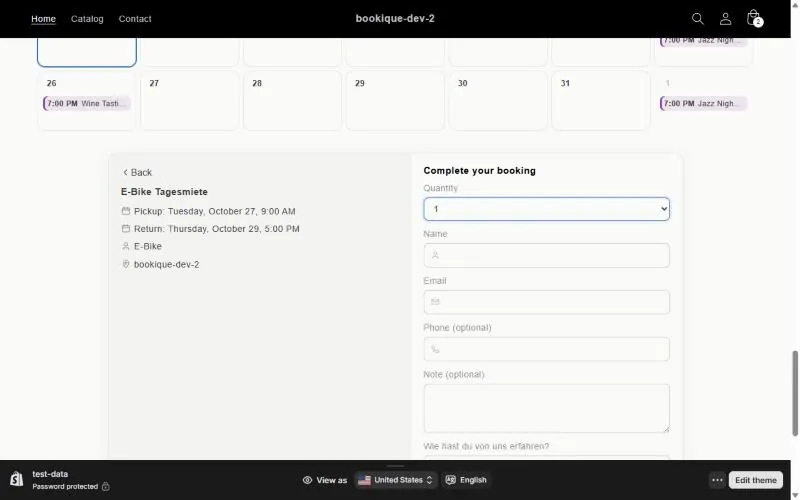
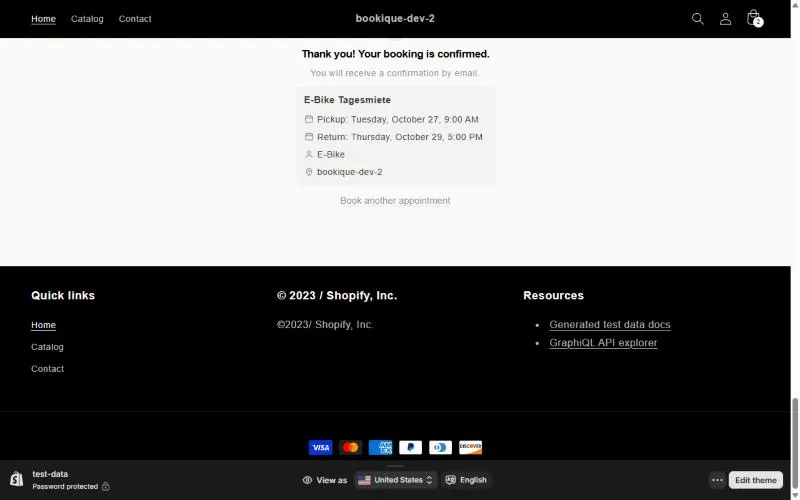
The widget shows a from–to calendar. Customers pick the pickup and return day, see the number of days and the total and continue to the form or the checkout. Overlapping bookings are blocked automatically.
Moving a rental
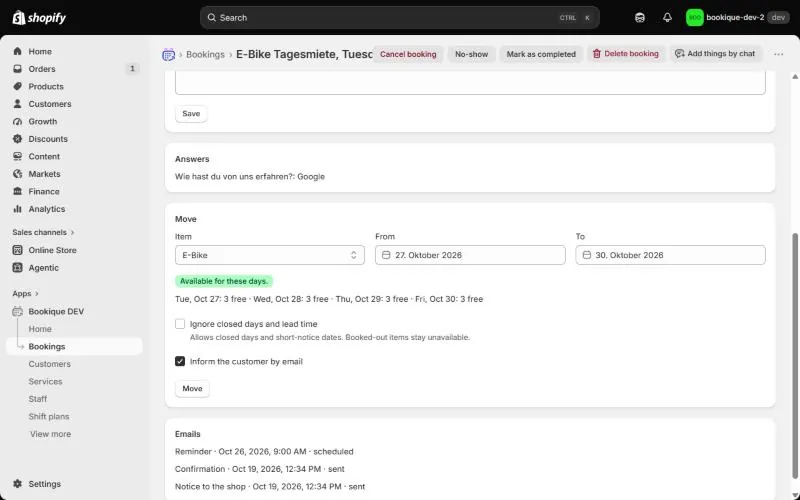
In Bookings open the rental and choose new dates under Move. Bookique checks availability per day and calculates the new price.
Screenshots show the app in English.
Need help?
Write to support@cronema.com – we answer in English and German.