Emails, templates and SMTP
Confirmations, reminders and follow-ups; edit templates, see the history and send from your own address.
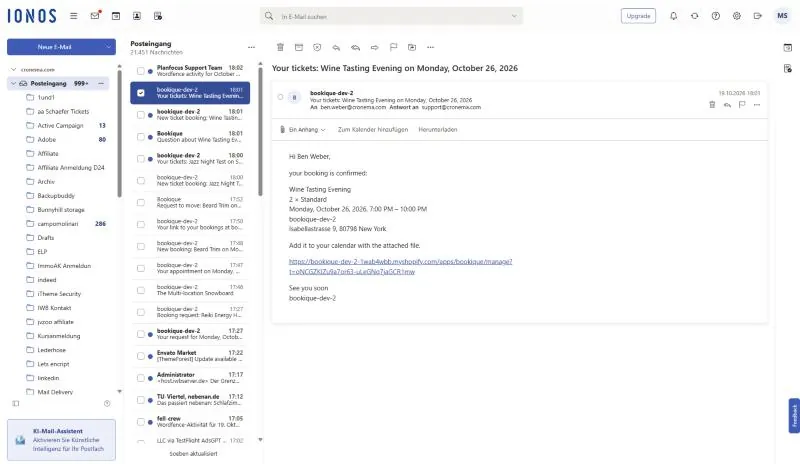
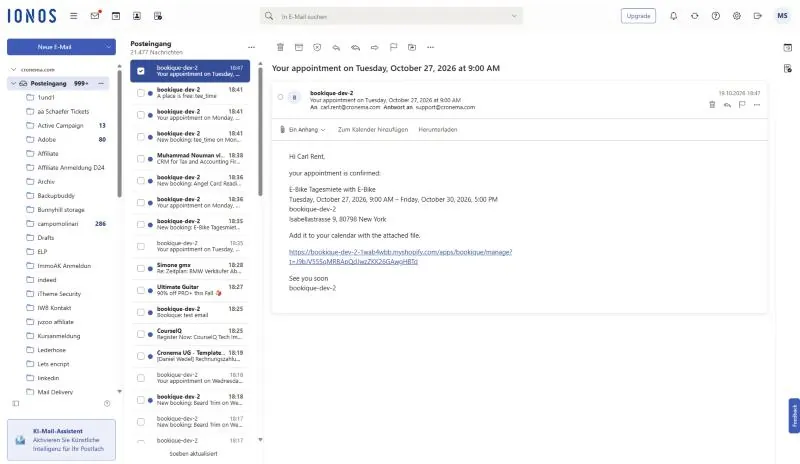
Bookique sends every booking email automatically: confirmation, notice to the shop, reminder, cancellation, follow-up, requests and changes by customers. Open Emails to set the sender, edit templates and see the history.
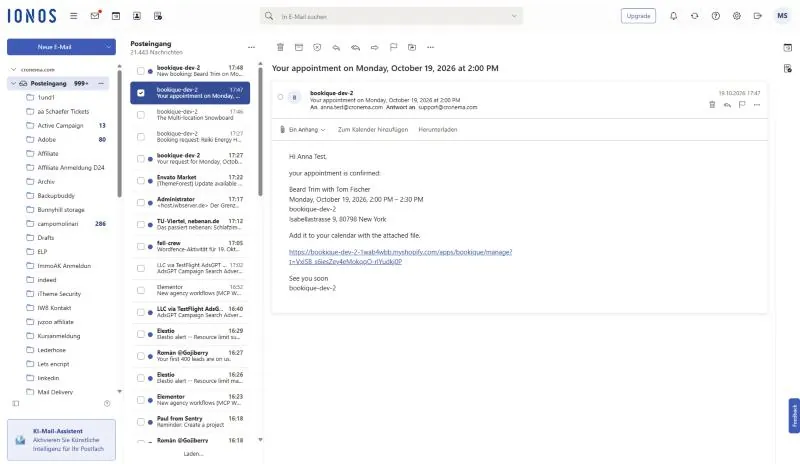
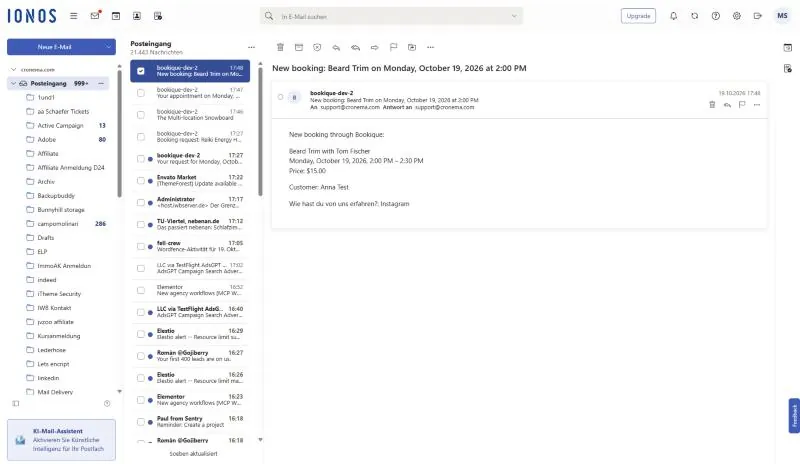
Sender and own SMTP server
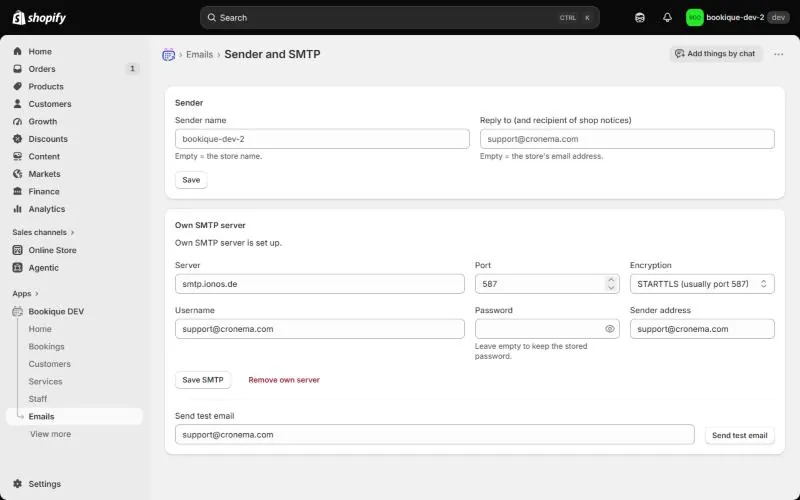
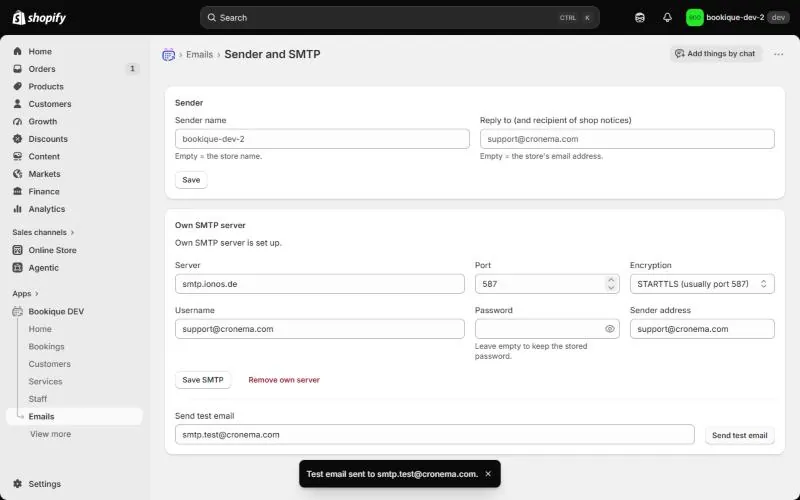
Under Sender and SMTP enter the Sender name and the Reply to address (also the recipient of shop notices). With an Own SMTP server emails go out from your own address: enter server, port, encryption (STARTTLS, usually port 587, or SSL/TLS, usually port 465), username, password and sender address, then Save SMTP and Send test email. Without an own server Bookique sends the emails.
Templates
Each email has a default text that you can change per language. Placeholders in double curly braces such as {{name}}, {{date}}, {{time}} or {{service}} are replaced when sending – click a placeholder to insert it. Conditional parts like {{#if note}}…{{/if}} appear only when a value exists. Use default text brings back the original; Add language version adds a translation.
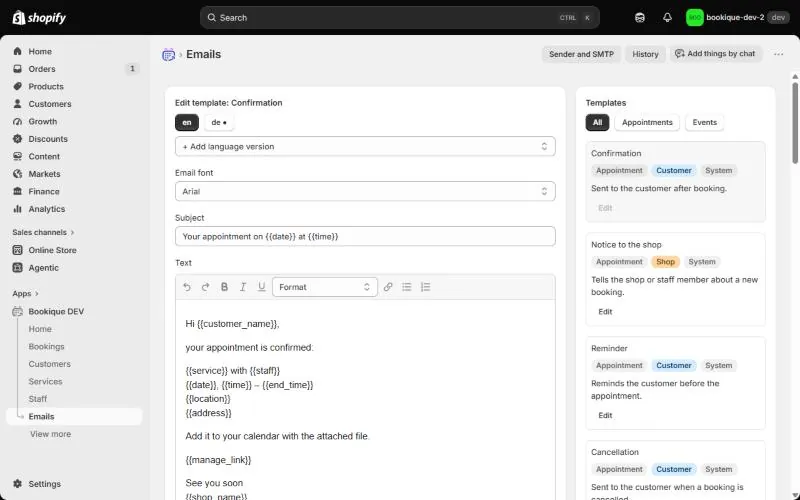
With Create template you make your own templates, for example a special confirmation for one service, and choose them on the service or event under Email logic.
History
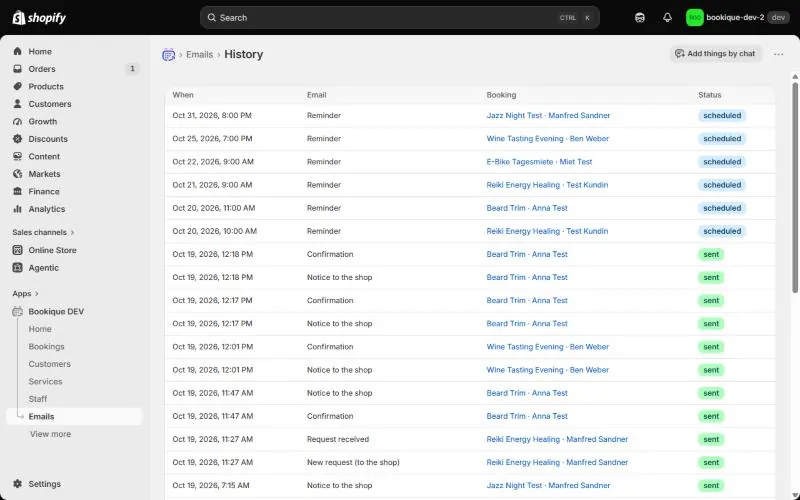
History lists every email with time, kind, booking and status (scheduled, sent, failed, skipped).
Screenshots show the app in English.
Need help?
Write to support@cronema.com – we answer in English and German.