Custom form fields
Ask your own questions in the booking form, per service or event.
Under Form fields add extra questions to the booking form, for example hair length or allergies. The answers appear on the booking and in the notice email to you.
- 1Click Add field and enter the Question and an optional hint below it.
- 2Choose the Type: short text, long text, choice (one option per line), checkbox or number.
- 3Mark it as Required if needed.
- 4Use it For all services or Only for these services. On a service you can also switch fields on and off under Custom fields.
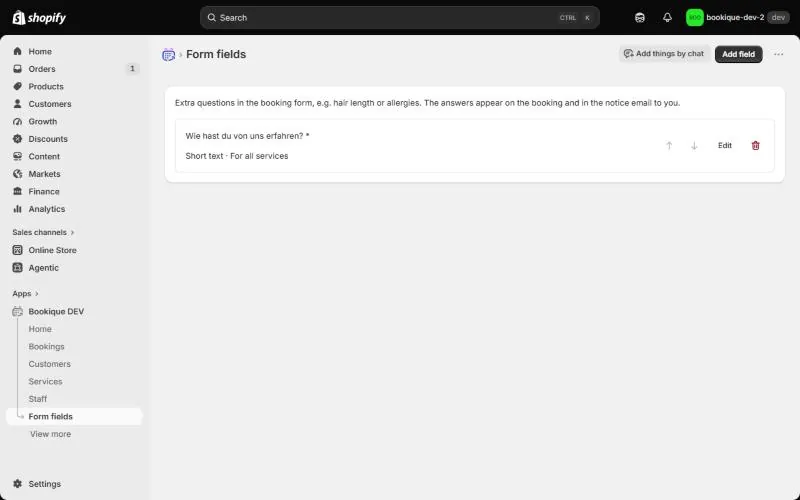
Screenshots show the app in English.
Need help?
Write to support@cronema.com – we answer in English and German.