Events and tickets
Create events with dates, repeats, places, several ticket types, timetable, performers and SEO.
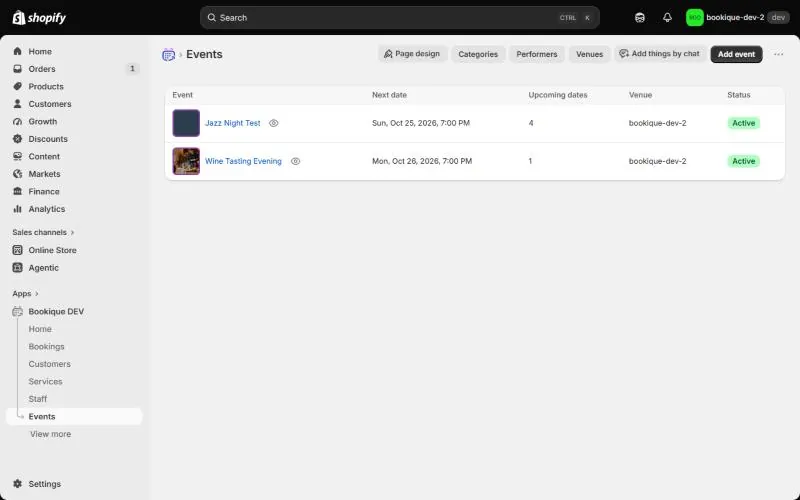
Under Events you create concerts, workshops, tastings or festivals – once or recurring, in their own time zone, with tickets in the checkout or sign-up by email.
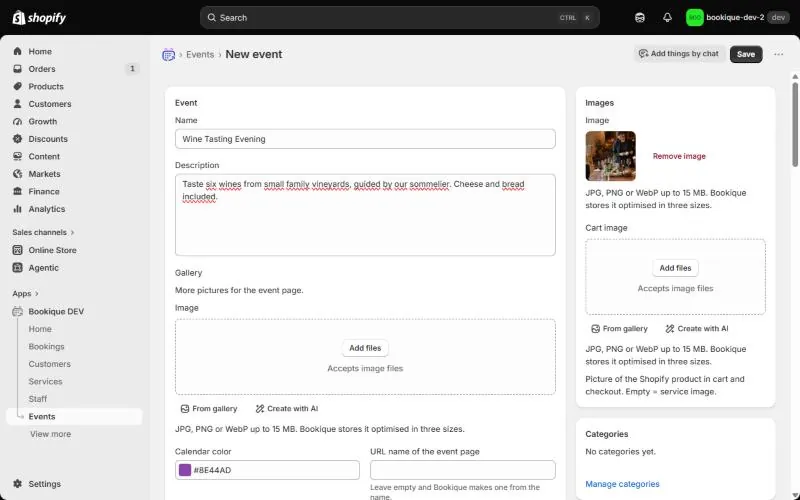
Details
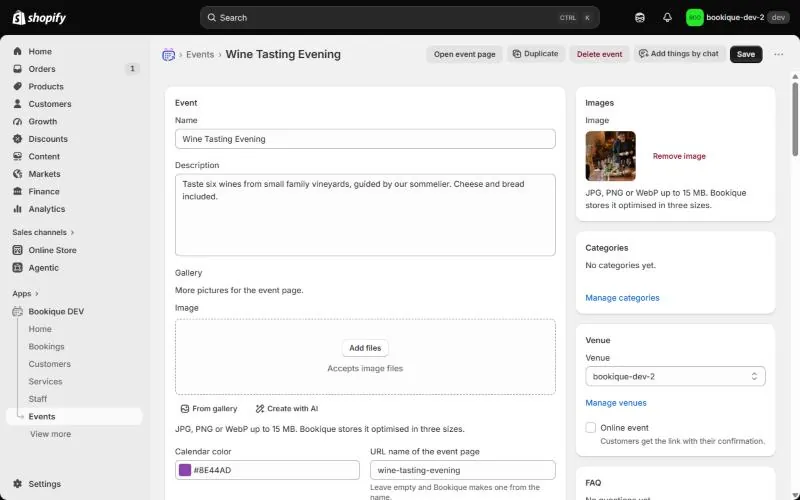
Click Add event, enter name and description, add a picture (or create one with AI) and more pictures for the gallery. The URL name of the event page is made from the name if you leave it empty.
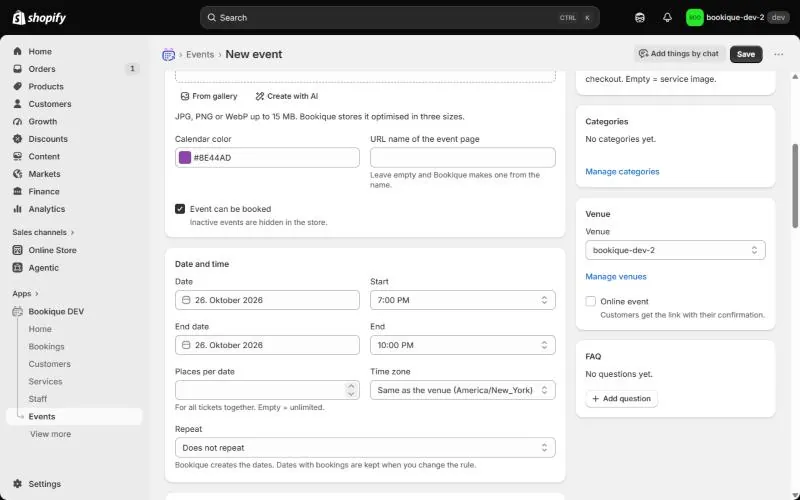
Date, places and venue
- Date, Start, End date and End – an event can last up to 31 days.
- Places per date for all tickets together; empty = unlimited.
- Repeat daily, weekly or monthly, on chosen weekdays, until a date or for a number of dates. Dates with bookings are kept when you change the rule.
- Venue from your venues, or Online event with a link that customers get with their confirmation.
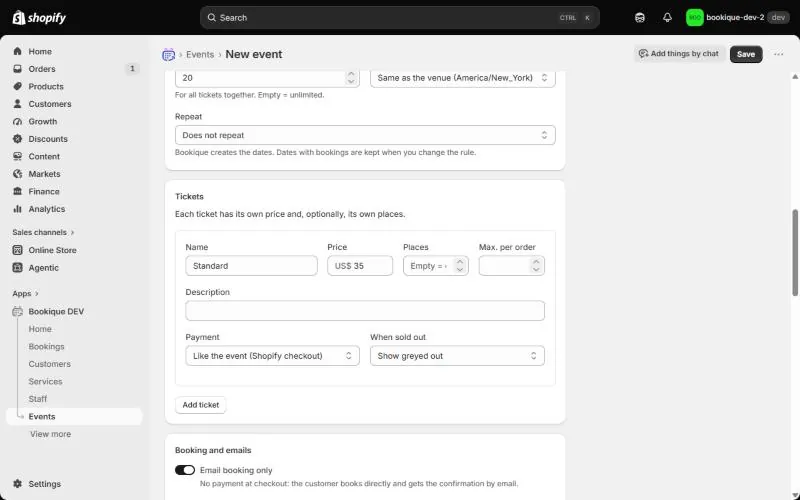
Tickets and payment
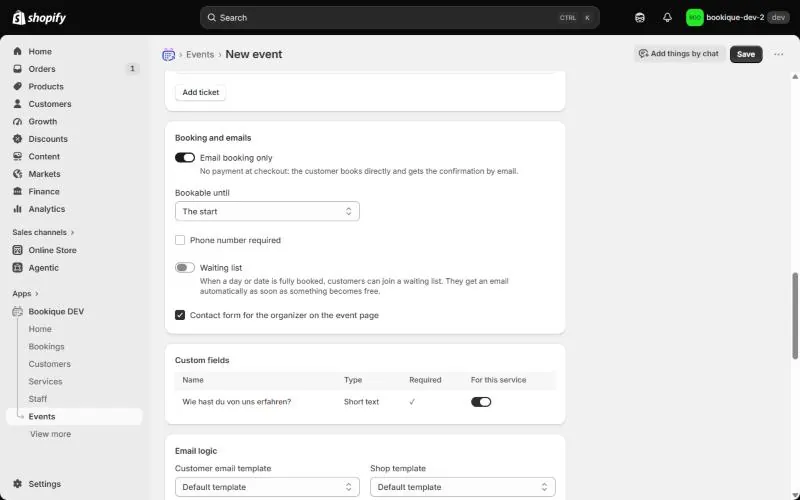
Each ticket has a name, price, optional own places, Max. per order, a description and On sale. Choose for the event: Pay in the Shopify checkout or Sign-up by email, no payment, and until when it is bookable.
Emails, performers and categories
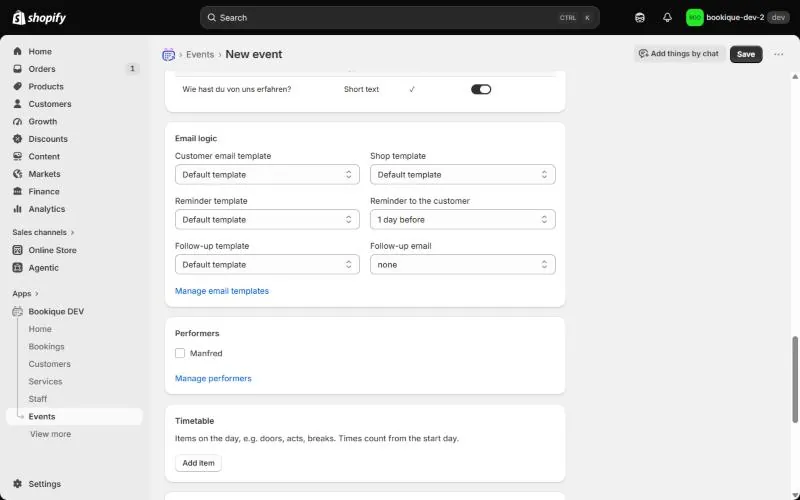
Choose the templates, add performers and categories and switch on a contact form for the organizer on the event page.
Timetable
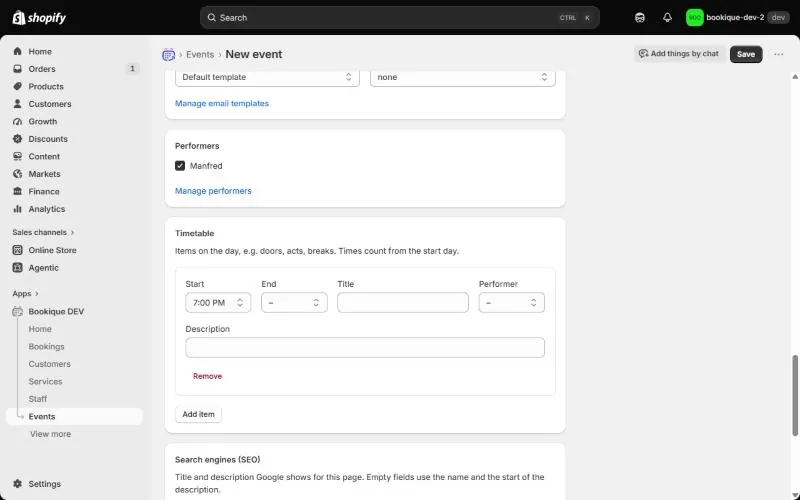
The timetable lists the items of the day – doors, acts, breaks – with times, titles and performers. It appears on the event page.
Search engines
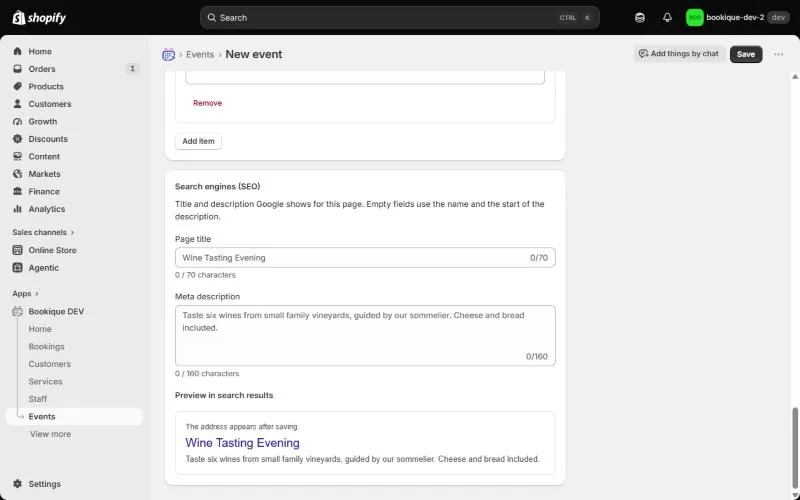
Under Search engines (SEO) set the page title and meta description; the preview shows how the page appears in Google.
Dates and participants
After saving you see all dates with sold places. Cancel a single date: its bookings are cancelled and customers informed by email. Change time moves a date and can send new confirmations. Under Participants you see every booking and can Add participant by hand.
Screenshots show the app in English.
Need help?
Write to support@cronema.com – we answer in English and German.