Event categories
Group events into categories so the event grid and calendar can be filtered.
Open Events → Categories. Enter a name and a colour and click Add category. With Parent category you build sub-categories. In the store, the blocks Event Grid and Event Calendar can be filtered by category; in the theme editor you pick the category by its name.
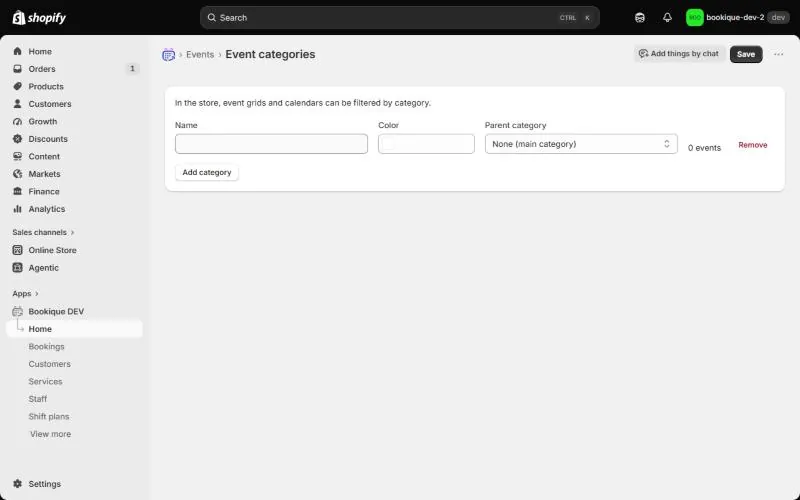
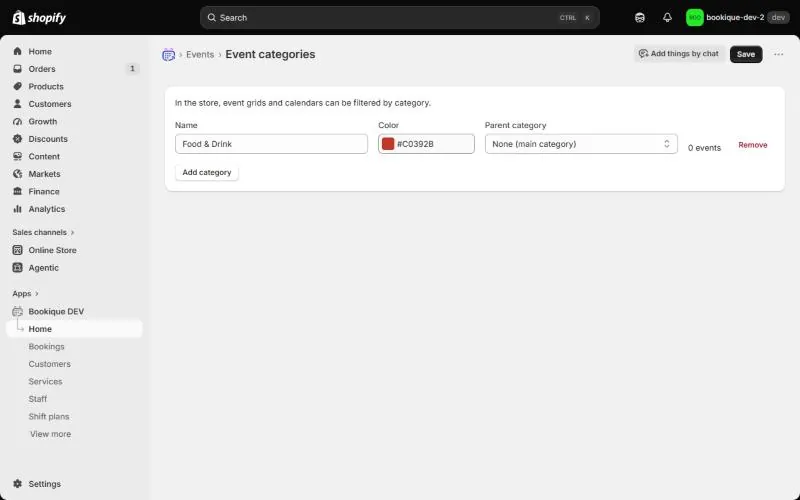
Screenshots show the app in English.
Need help?
Write to support@cronema.com – we answer in English and German.