Classes and group slots
Offer courses, tours or tee times with several places per time slot.
For classes, tours or tee times create a service with the type Class or group with several places. Each start time then has a number of places, and customers can book several places at once.
- 1Create a service and choose Class or group with several places under Type.
- 2Enter Places per session and, if needed, Max. places per booking (empty = as many as are free).
- 3Set the duration and Start times every, for example every 10 minutes for tee times.
- 4For golf: Occupancy per start time holds the course only for the start interval while the round lasts longer.
- 5Assign the staff member or resource that offers the class and save.
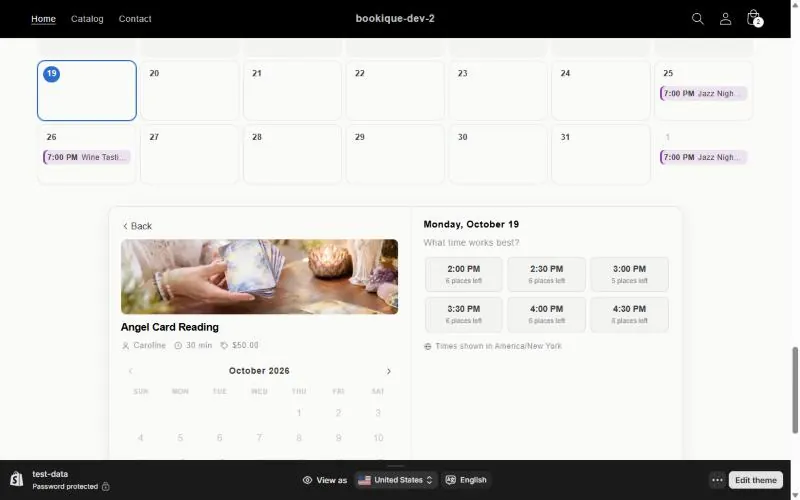
In the store the widget shows how many places are left at each time. If a time is full and the waiting list is on, customers can sign up for it.
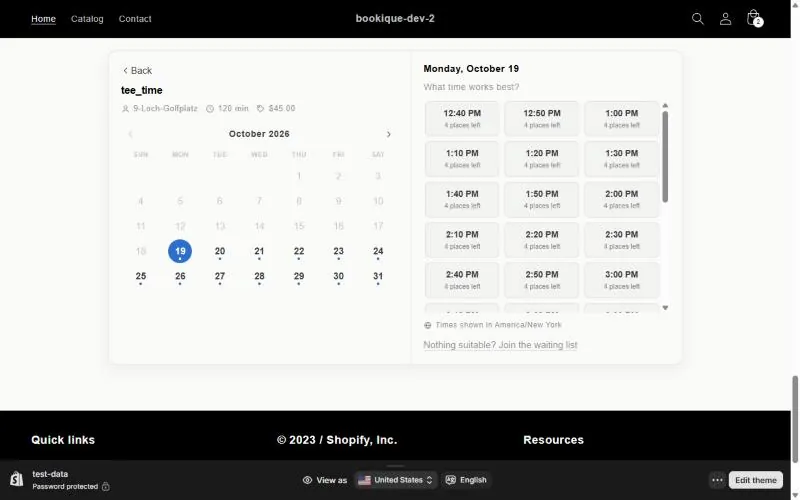
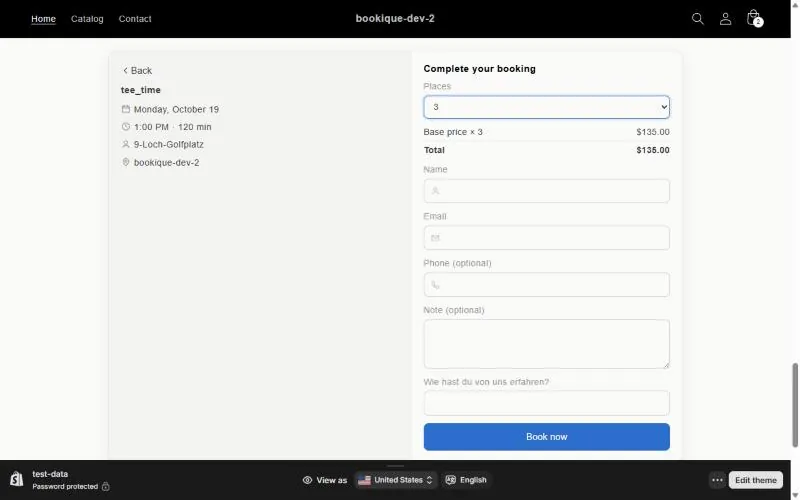
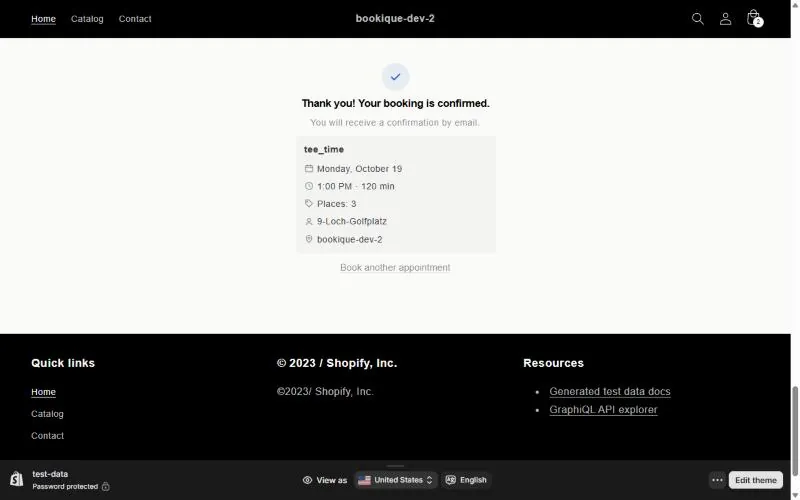
Screenshots show the app in English.
Need help?
Write to support@cronema.com – we answer in English and German.