AI assistant and AI pictures
Add staff, services, events, shift plans and passes by chat and create matching pictures.
Click Add things by chat on any page. Describe what you need – for example “Create a punch card with 5 beard trims for $65, valid for one year” – and the assistant creates it with the right settings. Everything it creates appears in your admin, ready to check and change.
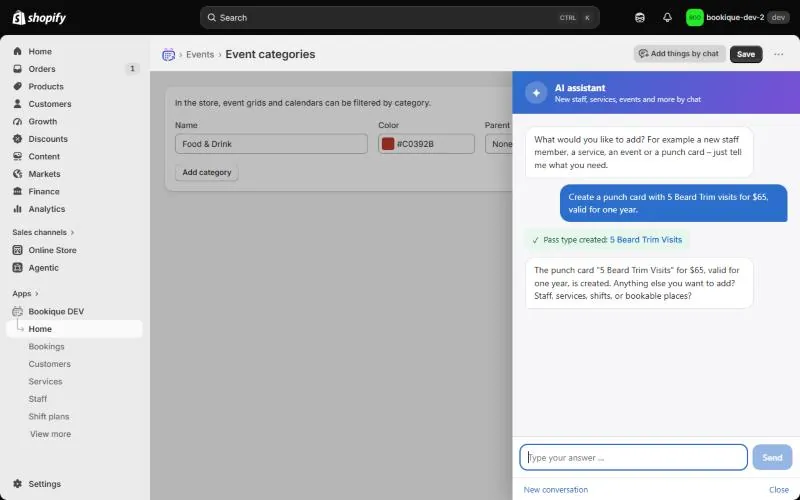
- Staff members with working hours
- Services, classes and rentals with prices
- Events with dates and tickets
- Shift plans and passes
- Pictures for staff, services, events and venues
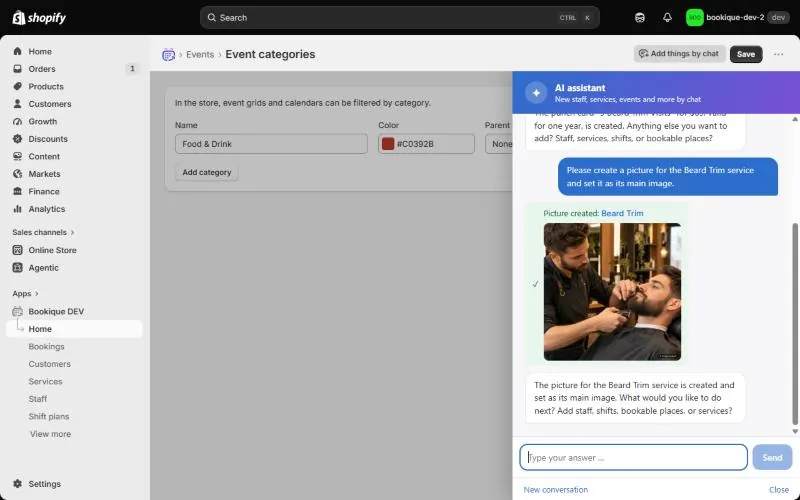
AI pictures
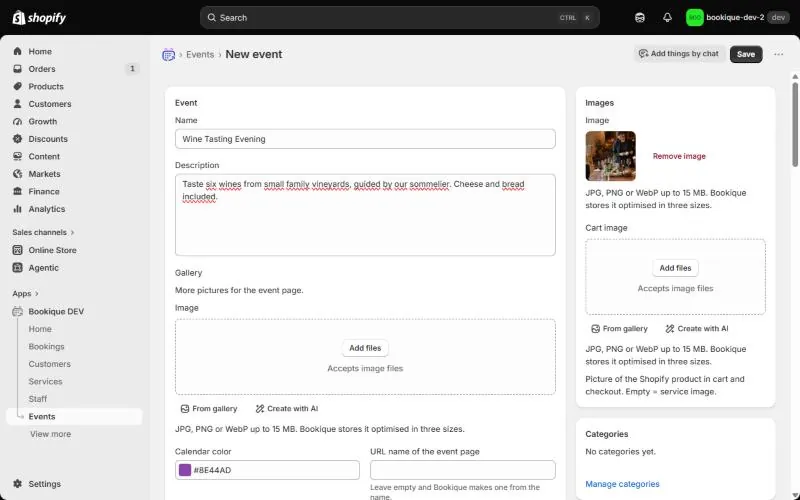
Every image field has the button Create with AI. Describe the picture, choose the format and click Create picture. Optionally Bookique adds a small “AI-generated” label; without it you are responsible for checking whether AI pictures must be marked in your country.
Screenshots show the app in English.
Need help?
Write to support@cronema.com – we answer in English and German.