Getting started
Install Bookique, follow the setup checklist and find your way around the home page.
Bookique runs inside your Shopify admin. After installing it you find it under Apps → Bookique. All paid plans start with a 7-day free trial in which every feature is unlocked; afterwards you can stay on the free BASIC plan or choose a paid plan.
Install the app
- 1Open Bookique in the Shopify App Store and click Install.
- 2Confirm the permissions Shopify shows. Bookique needs them to create products for paid bookings and to read the orders of these bookings.
- 3Bookique opens in your admin. A location with your store address is created automatically.
Let the assistant set you up
On the first start Bookique asks what kind of business you run. From your answer it shows only the areas you need (for example appointments and classes, rentals and stays, events and tickets, shift plans, passes, waiting list, own questions). Choose Set up together and the assistant asks about staff, working hours, places, services and prices and creates everything for you – or choose Look around first and continue later from the home page.
The home page
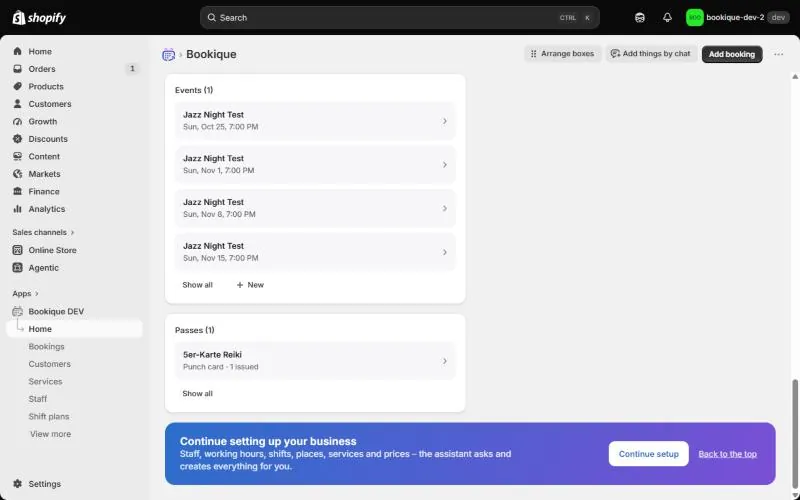
The home page shows the key numbers at a glance: Bookings today, Bookings in 7 days, Open requests and On the waiting list. Below follow the newest bookings, upcoming appointments and boxes for staff, services, events and passes.
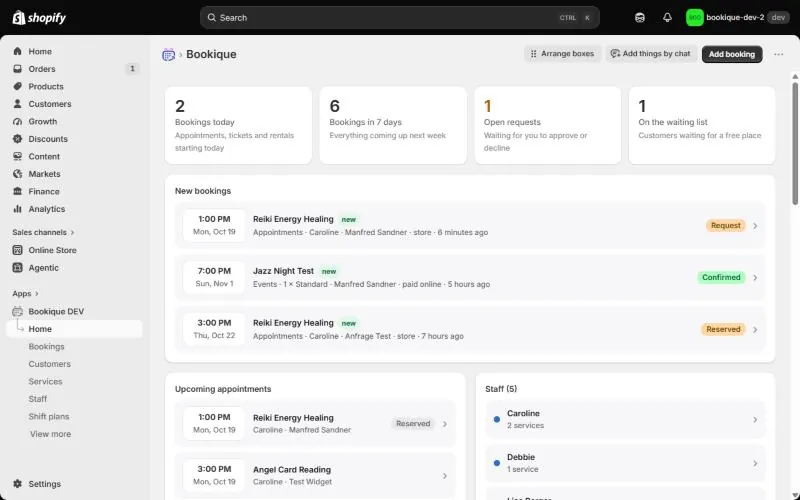
- Arrange boxes lets you drag the boxes into the order you like; Done saves the layout.
- Add things by chat opens the AI assistant (PROFESSIONAL and UNLIMITED).
- Add booking creates a booking by hand, for example for a phone call.
- Hidden areas can be switched on any time under More features on the home page.
The setup checklist
Until everything is ready, the home page shows a short checklist: check location and time zone, add staff with working hours, add a service, show the booking widget in your store and set up email sending. Each step has a button that takes you to the right page.
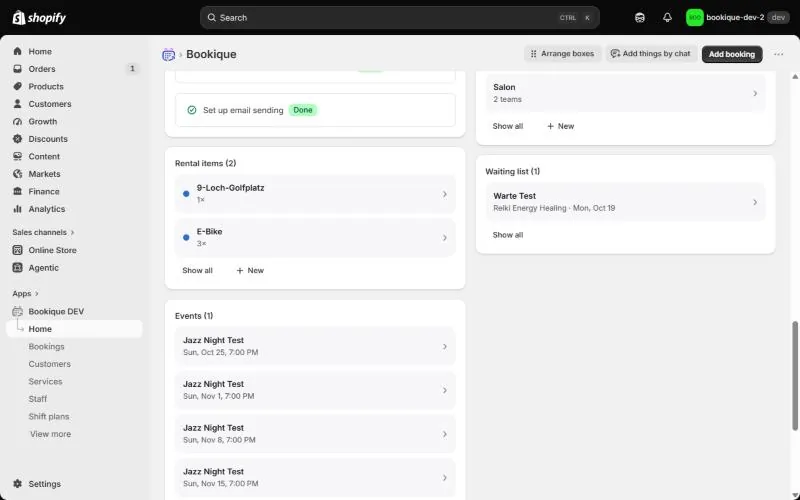
Screenshots show the app in English.
Need help?
Write to support@cronema.com – we answer in English and German.