Waiting list
Customers sign up when everything is booked and get an email as soon as a place is free.
Switch on Waiting list on the service or event. When a day or date is fully booked, customers can join the list in the widget.
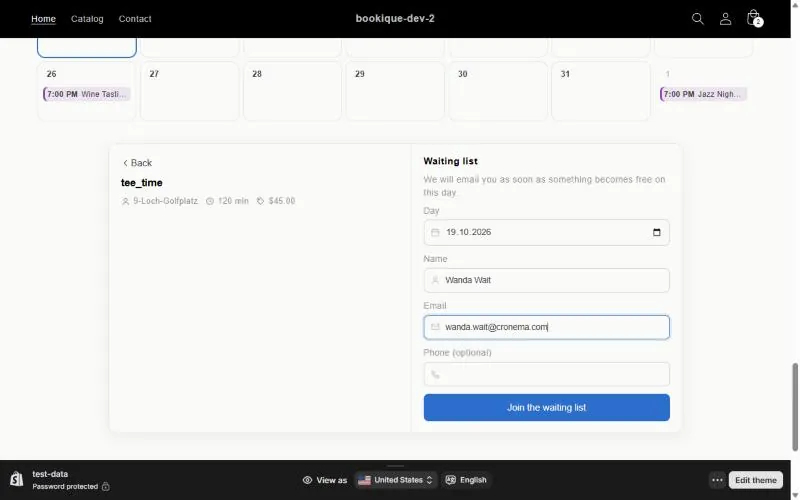
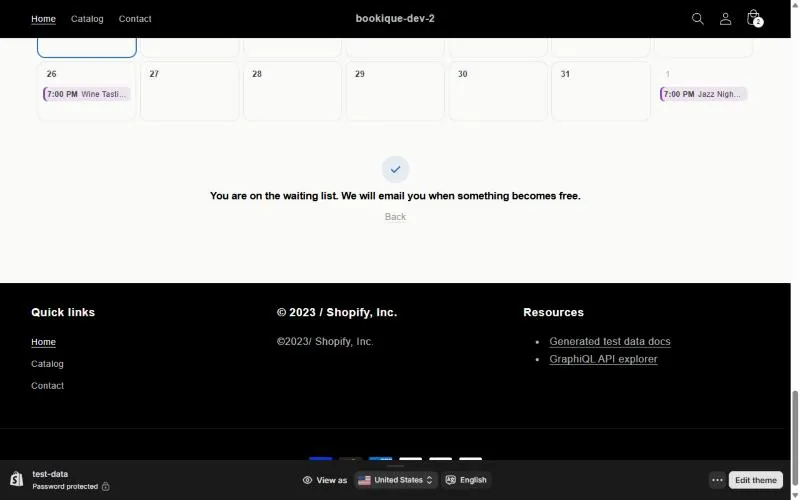
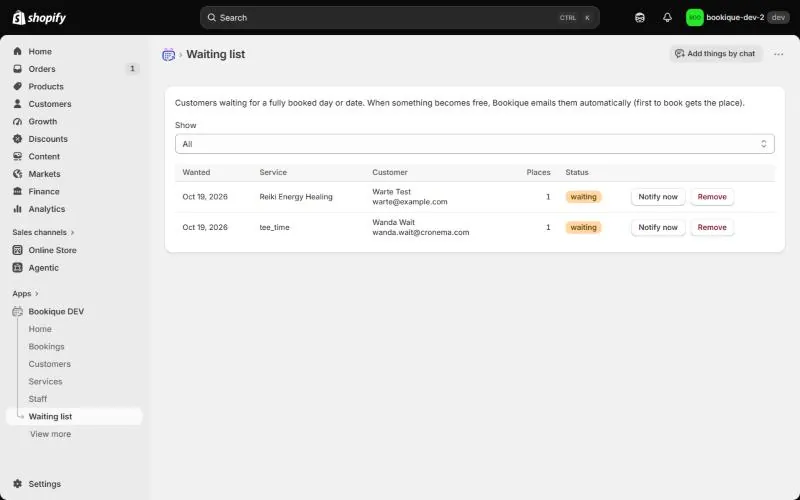
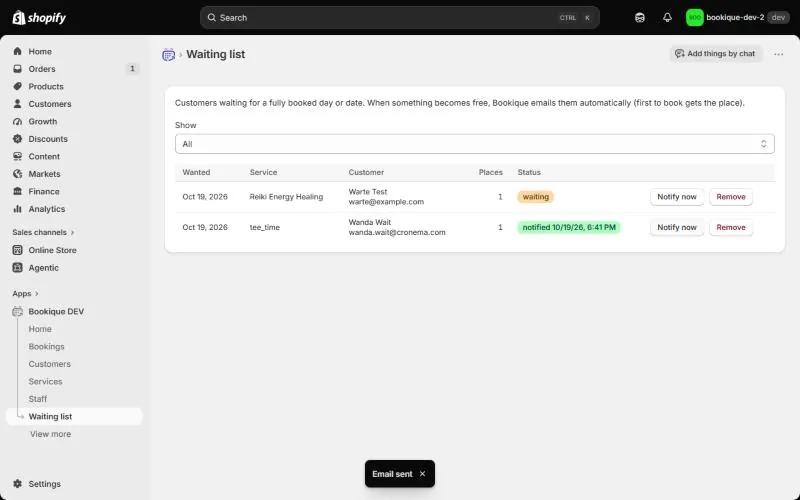
When something becomes free – for example after a cancellation – Bookique emails the waiting customers automatically; the first to book gets the place. Under Waiting list in the admin you see all entries with status (waiting, notified), can Notify now or remove an entry.
Screenshots show the app in English.
Need help?
Write to support@cronema.com – we answer in English and German.