Passes and memberships
Sell punch cards and memberships; customers redeem them with a code when booking.
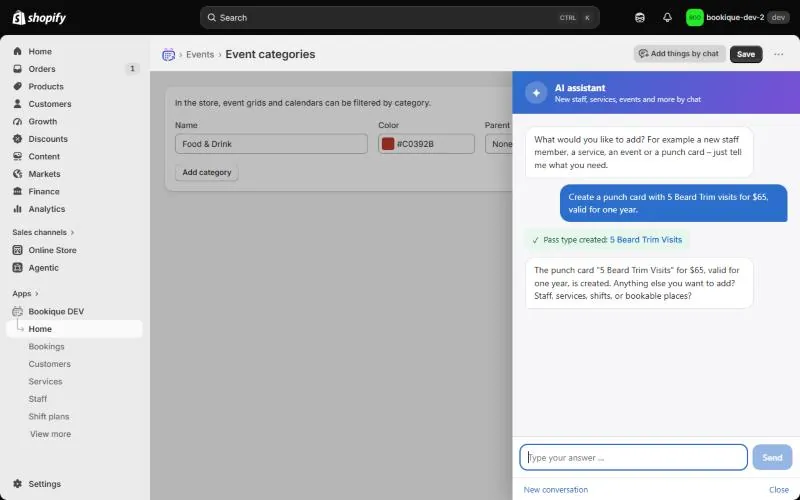
Under Passes you create pass types: a Punch card with a number of visits or places, or a Membership with a discount. 100 % discount means the booking is included.
- 1Click Add pass type and enter name, kind, visits or discount and how many days it is valid (empty = no end).
- 2Choose the services it is valid for (none = all services).
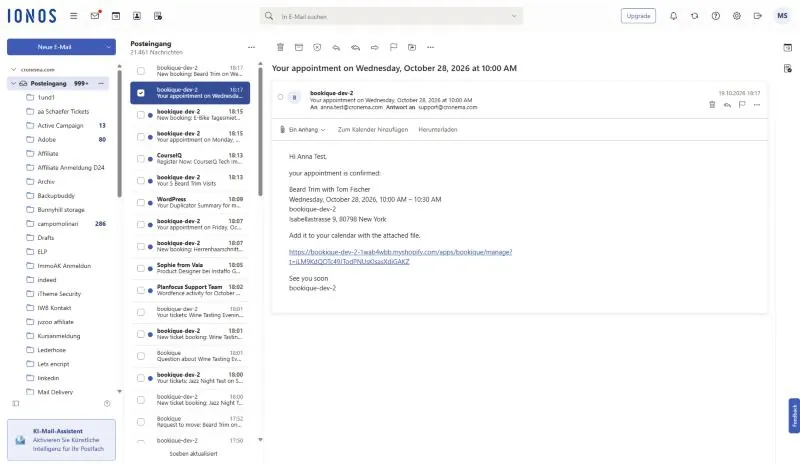
- 3Switch on Sell in the store: Bookique creates a Shopify product; after buying, the customer gets the code by email.
- 4Or issue a pass by hand under Issue a pass, for example after a cash payment.
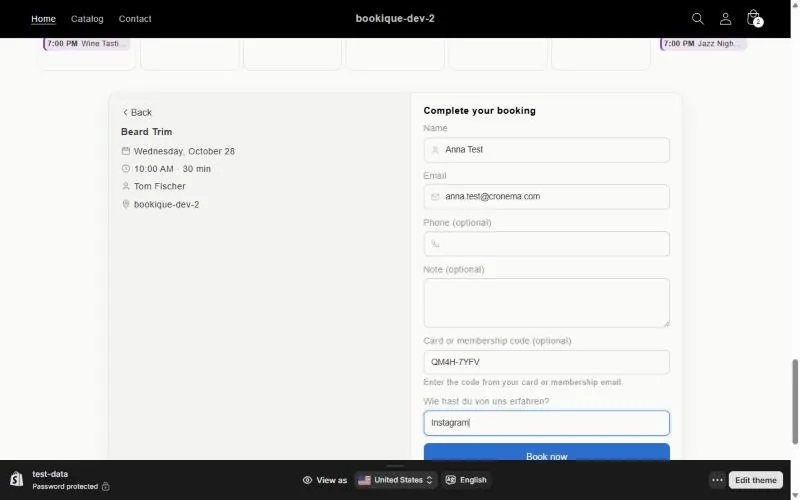
When booking, the customer enters the code. Bookique checks validity and remaining visits and books without payment. Under Issued passes you see every pass with holder, visits left and validity; you can send the code again or end a pass.
Screenshots show the app in English.
Need help?
Write to support@cronema.com – we answer in English and German.